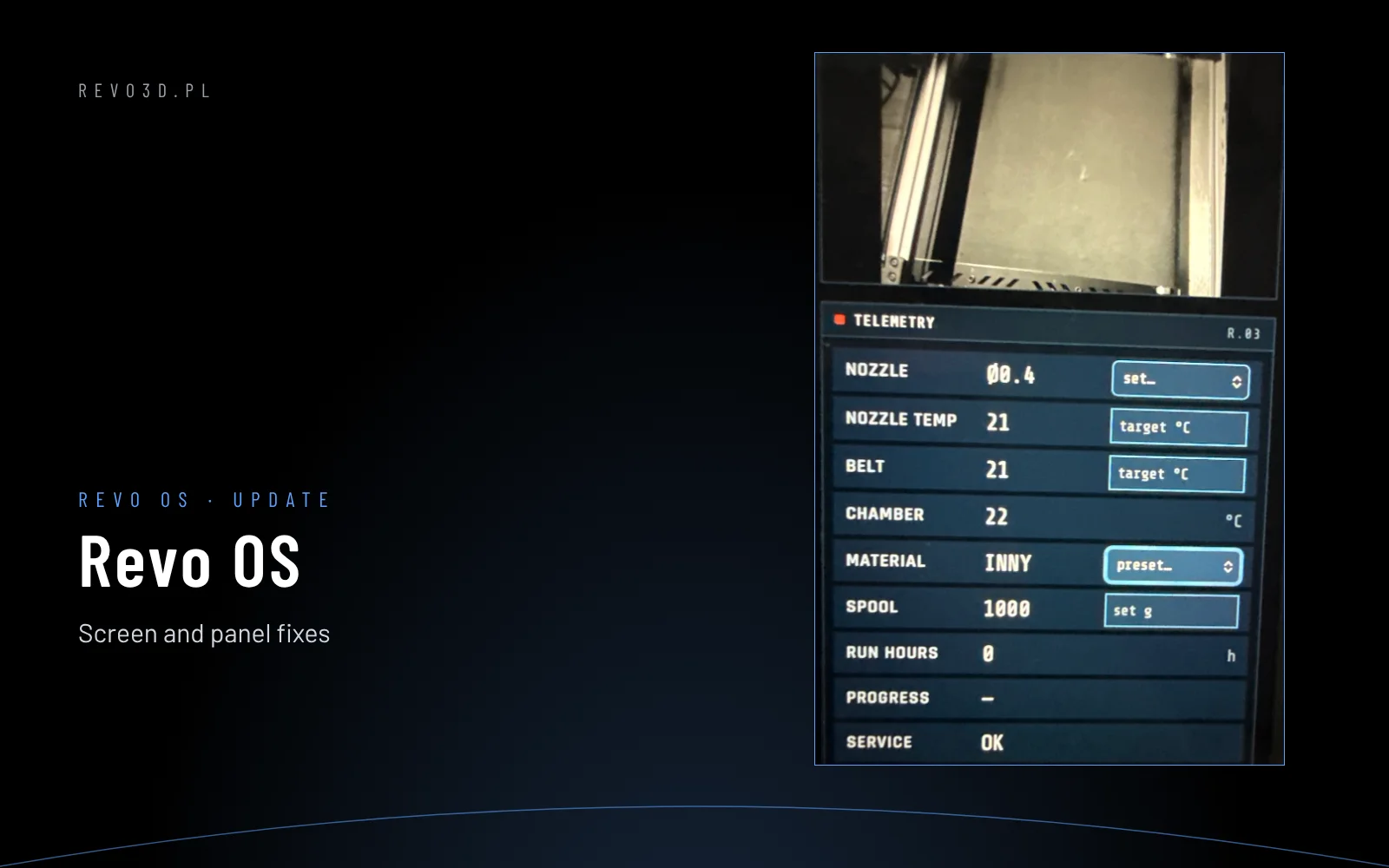
Input shaping is a Klipper feature that damps the printer frame’s vibrations. It removes ghosting (echoes, ripples after corners) and lets you print with much higher accelerations without losing quality.
What ghosting is
At every change of direction the frame and toolhead vibrate at their resonant frequency. On the print wall it shows as repeated, fading copies of an edge – best seen around letters and holes. The higher the acceleration, the stronger the effect.
How input shaper works
Klipper splits each move into several impulses shifted in time so that the vibrations cancel each other out. You only need to know the resonant frequency of the X and Y axes and choose the filter type (e.g. mzv, ei, 2hump_ei).
Measuring with an accelerometer (recommended)
- Connect an ADXL345 accelerometer to the toolhead (on Revon printers it is on the EBB board in the toolhead) and configure the
[adxl345]and[resonance_tester]sections. - Check the reading:
ACCELEROMETER_QUERY. - Run
SHAPER_CALIBRATE– the printer vibrates the X and Y axes at rising frequencies (a few minutes, loud). - Klipper suggests a filter type, frequency and the maximum recommended acceleration for each axis.
- Save the result:
SAVE_CONFIG.
Without an accelerometer
You can print a test tower (ringing_tower) at rising acceleration, measure the spacing of the ripples and calculate the frequency by hand – slower and less accurate.
How to use the result
- Set
max_accelno higher than SHAPER_CALIBRATE recommends for the slower axis. - In [r]evo Slicer set outer wall accelerations lower than infill – the outer wall decides the look.
- Repeat the measurement after mechanical changes: new toolhead, belt tension, moving the machine.
On Revon printers the input shaper measurement is part of the service calibration at handover.
On Revon printers these settings are already tuned in the Revotech profiles. You calibrate your own filament in [r]evo Slicer with the new filament wizard (guide). More: filament calibration step by step · Klipper and Orca Slicer basics · Revo OS. Printing large parts? See the Revon 600 large-format 3D printer (600×600×600 mm), the 1200×600 3D printer or the belt 3D printer for series production.
See also: pressure advance