Pressure advance (in Marlin: linear advance) is a Klipper feature that anticipates the pressure in the nozzle. With it corners stay sharp and walls even, also at high speeds and accelerations.
Where the problem comes from
Filament in the hotend behaves like a spring: when the toolhead accelerates, nozzle pressure rises with a delay – there is too little plastic at the start of a line. When it brakes, pressure drops too slowly – there is too much plastic at the end of a line and in corners. Result: rounded, bulging corners, gaps at the start of walls and blobs at their ends.
Pressure advance adds a correction to the extruder movement proportional to the flow speed: when accelerating it briefly feeds more filament, when braking less. The pressure_advance value says by how many seconds we “anticipate” the pressure.
How to spot a wrong pressure advance
- too low – bulging corners, blobs at line ends, an uneven wall at the seam,
- too high – gaps and under-filled corners, thin walls right after a turn, “torn” first layer lines.
Typical values
| Extruder | PLA | PETG | TPU |
|---|---|---|---|
| Direct Drive | 0.02–0.06 | 0.04–0.10 | 0.08–0.30 |
| Bowden | 0.3–0.8 | 0.4–1.0 | – |
This is only a starting point. The value depends on the hotend, nozzle, temperature and the specific filament, so it is worth measuring.
Calibration in [r]evo Slicer step by step
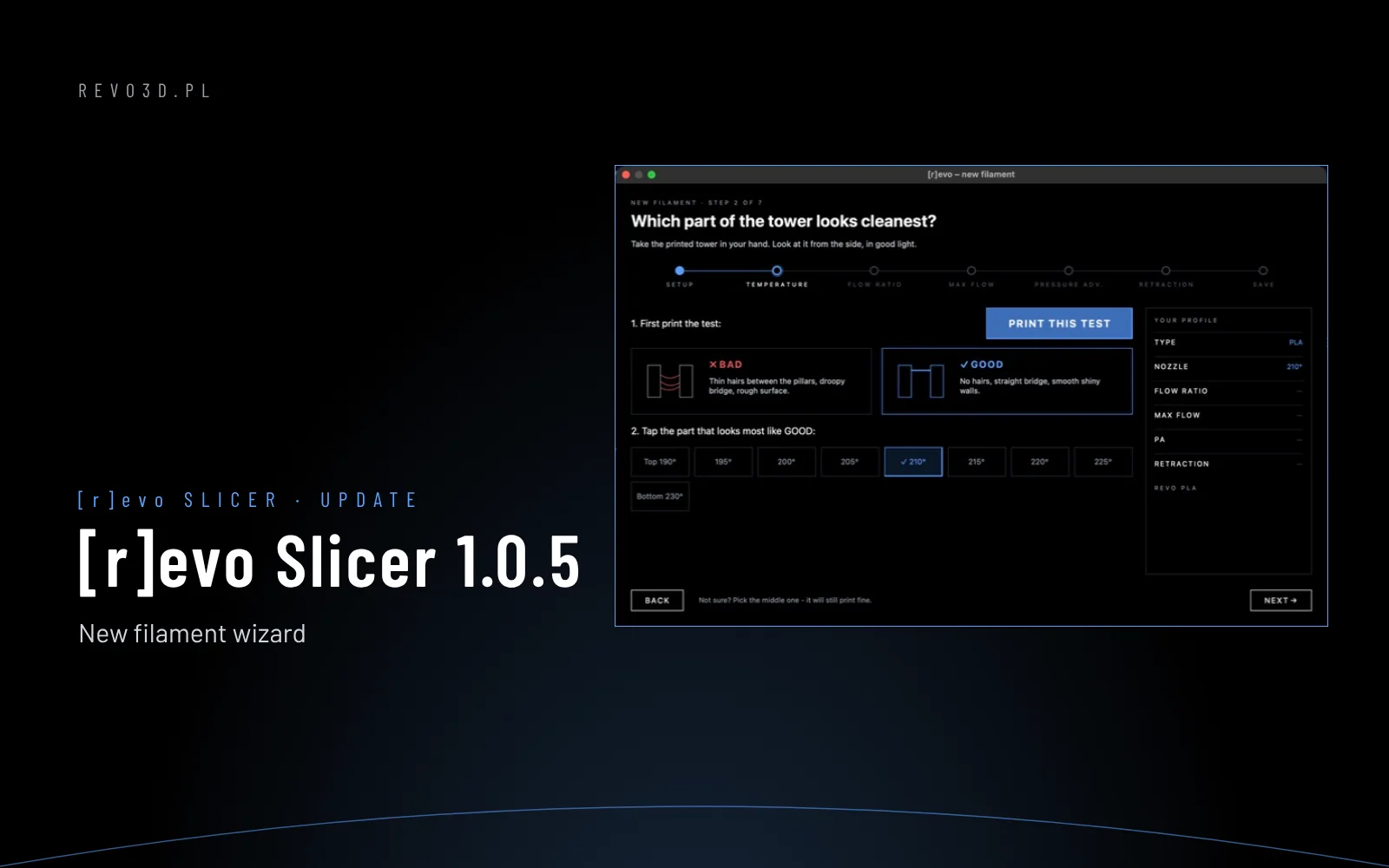
In [r]evo Slicer this test is part of the new filament wizard (step 4). Manually – the same in [r]evo Slicer and Orca Slicer:
- Select the printer, filament and plate you will print with.
- Menu Calibration → Pressure advance.
- Choose the method: PA Line (lines with rising values – fast) or PA Tower (a tower – more accurate for corners). For direct drive a range of 0–0.1 in steps of 0.002.
- Print the test. On PA Line find the line with the most even width along its length, on PA Tower the height with the sharpest corners.
- Read the value and enter it in the filament profile: Filament → Pressure advance (tick “Enable pressure advance”).
The slicer stores the value in the filament profile and sends it to Klipper at the start of the print (SET_PRESSURE_ADVANCE), so each filament can have its own value.
Pressure advance and input shaping
Set up the input shaper (frame vibrations) first, then pressure advance. Changing accelerations affects the PA test result.
On Revon printers these settings are already tuned in the Revotech profiles. You calibrate your own filament in [r]evo Slicer with the new filament wizard (guide). More: filament calibration step by step · Klipper and Orca Slicer basics · Revo OS. Printing large parts? See the Revon 600 large-format 3D printer (600×600×600 mm), the 1200×600 3D printer or the belt 3D printer for series production.