The new Revon printer is in place and plugged in. What next? The first start of Revo OS takes a quarter of an hour – after that the machine is ready to work and every print has an operator assigned.
1. The on-screen wizard
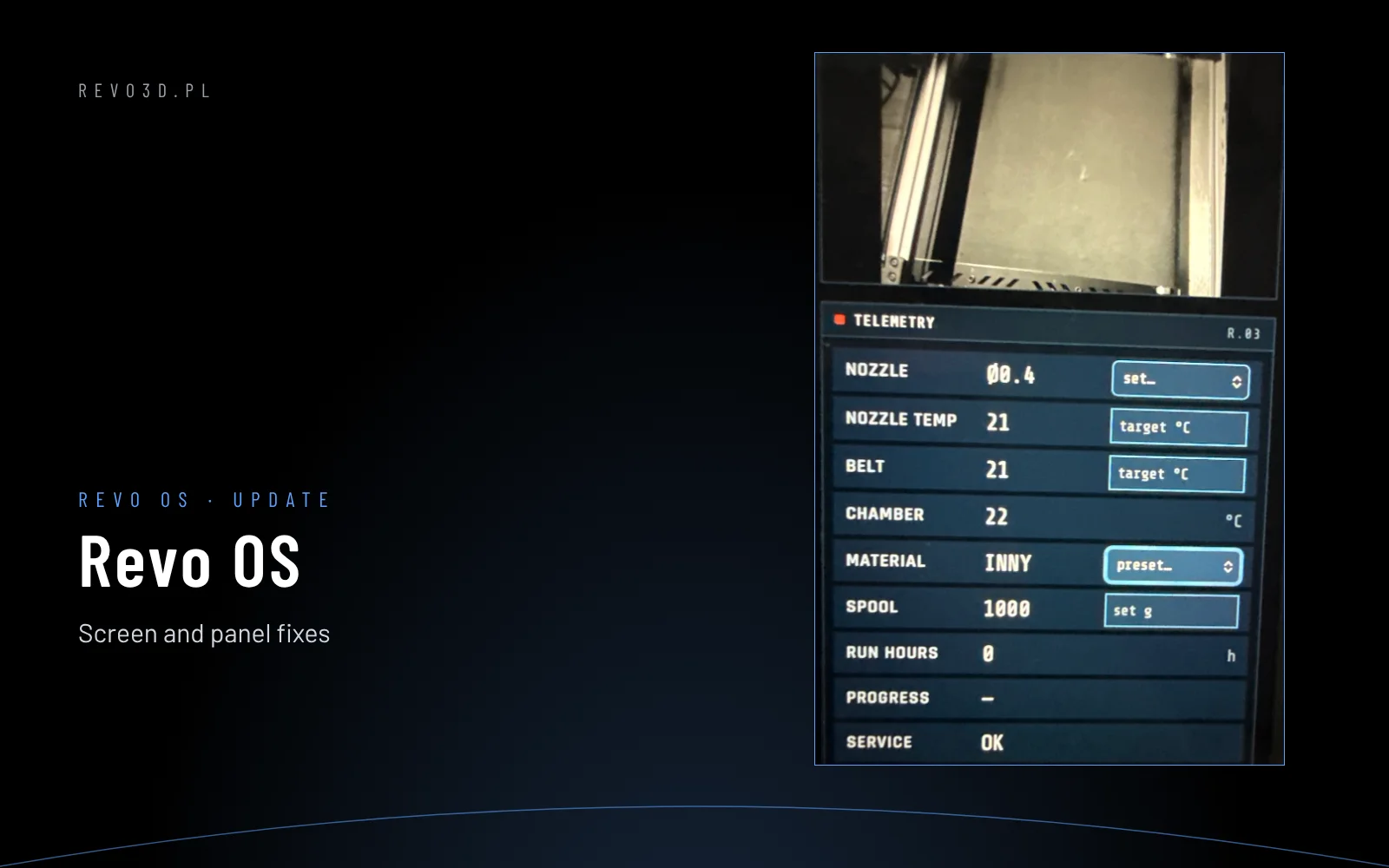
On first power-up the screen guides you through a wizard: language, network, installed nozzle and material. A LAN cable gives the most reliable connection; set up Wi-Fi in Menu → More → Network – pick the network from the list and enter the password. The machine’s IP address is shown in the top bar of the screen – you will need it for Revo Panel.
2. Licence
You receive the licence number from Revotech with the machine. Enter it once: Menu → More → License. Activation also works without internet – the machine checks the number itself.
3. Consents
Revo OS asks about two things: error notifications to Revotech service (recommended – help comes faster and is more accurate) and machine usage statistics. Without consent nothing leaves the machine. You can change this at any time in Revo Panel → Service.
4. Manager
The manager is the machine administrator: adds operators, manages settings and the connection to the slicer. Create the account like this:
- On the screen: Menu → More → Operator – a 6-digit code valid for 10 minutes appears.
- In the browser enter the machine’s address and choose CODE FROM SCREEN.
- Enter the code and create the manager account with a PIN.
5. Operators
Revo OS records who started which print. You can choose between two approaches:
- Named operators – the manager adds them in Revo Panel → Service → Operators (name, login, PIN). History and reports show the specific person.
- A shared “Operator” account – without a PIN, for companies that do not want to create accounts for staff. The machine works the same and statistics simply show “Operator”.
On the screen the operator is selected in Menu → Operator – with one tap.
6. Full machine test
Finally run Menu → More → Machine test (15–25 minutes). The machine checks electronics, motors, axes, probe, heating and fans one by one. Details: Machine test and self-diagnostics.
Forgotten PIN
The manager clicks RESET PIN next to the operator in Revo Panel. The manager PIN is reset remotely by Revotech service. After a reset the PIN is 0000 – a new one must be set at the first login.
What next
- install [r]evo Slicer,
- connect the slicer to the printer,
- go through the guide to every Revo OS screen.