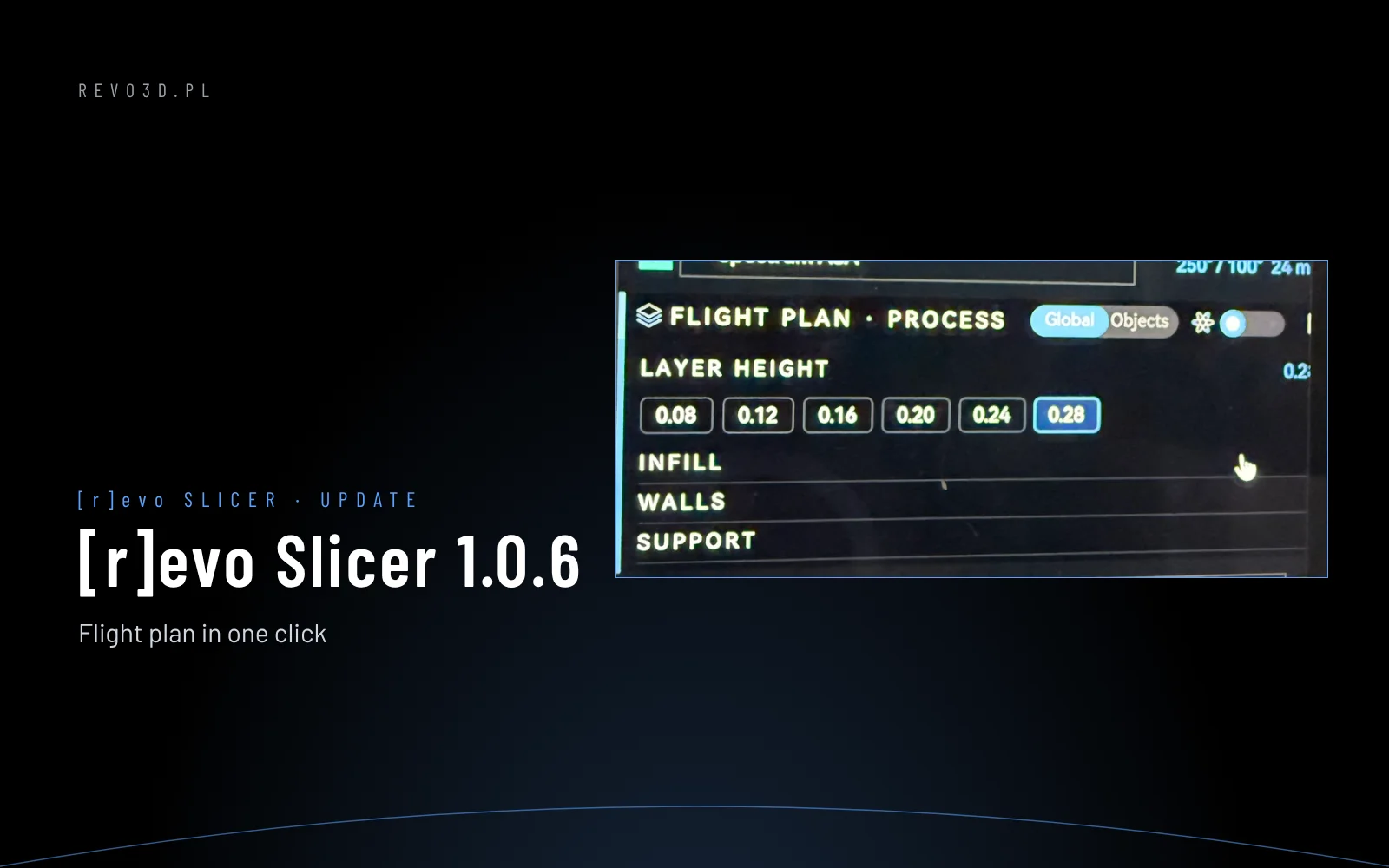
[r]evo Slicer 1.0.6 – change the Flight plan with one click
[r]evo Slicer 1.0.6: change layer height, infill, walls and supports with one click in the Flight plan panel. Clearer layer slider and Device screen.

Blog
[r]evo Slicer 1.0.6: change layer height, infill, walls and supports with one click in the Flight plan panel. Clearer layer slider and Device screen.
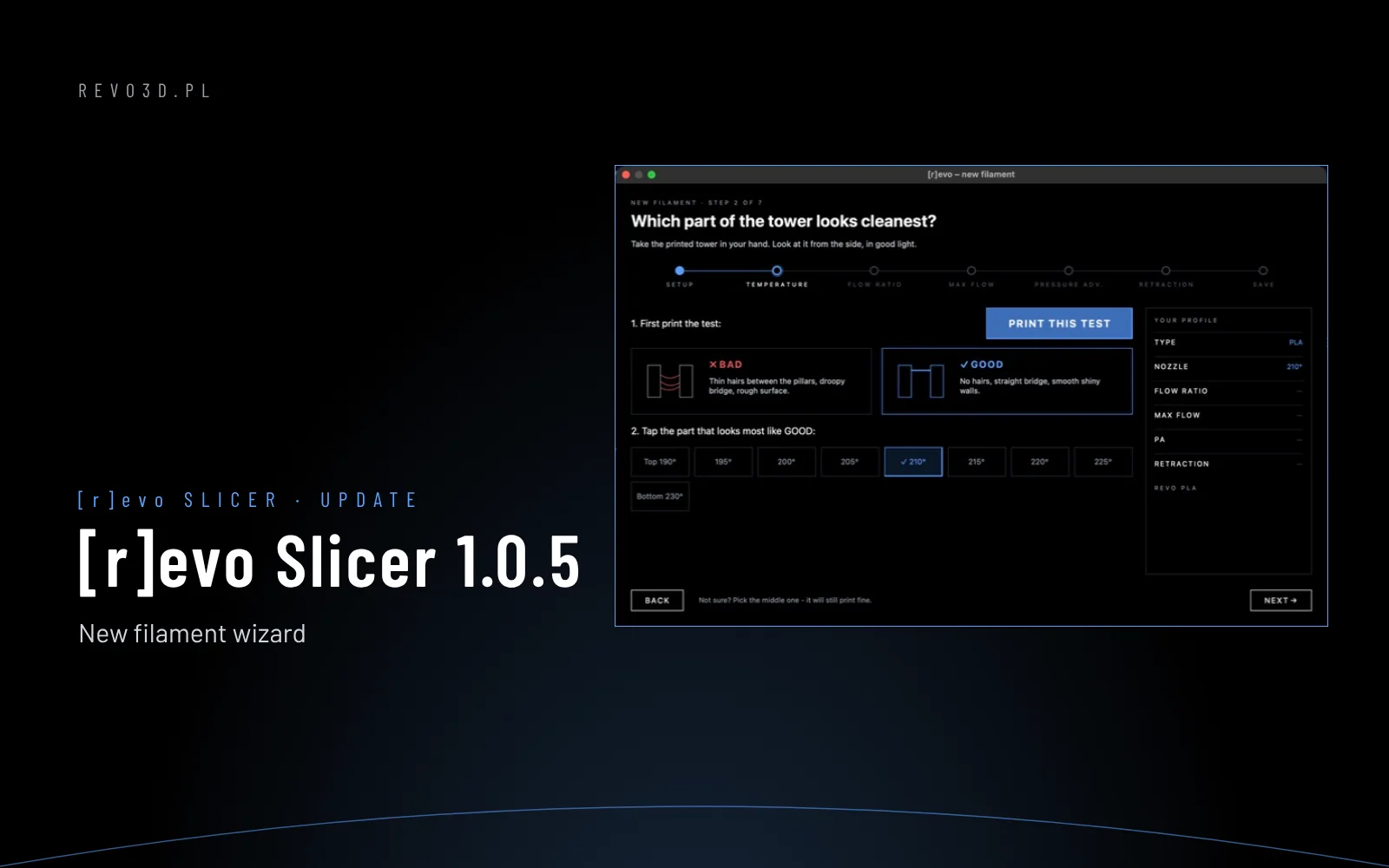
[r]evo Slicer 1.0.5: a new filament wizard with five step-by-step tests saved as your profile, new Payload and Flight plan panels and 358 filament profiles.
Eight steps from unboxing a spool to the first print: drying, the right nozzle for CF/GF, loading in Revo OS and the new filament wizard in [r]evo Slicer.
Pressure advance in Klipper: what it does, how to spot a wrong setting and how to calibrate it step by step in [r]evo Slicer or Orca Slicer. Typical values for direct drive and Bowden.
How to connect [r]evo Slicer (or Orca Slicer) to a Revon printer: sending prints over the network, nozzle check, filament, print cost and troubleshooting.
Calibrating a new filament in [r]evo Slicer and Orca Slicer: temperature, flow ratio, max flow, pressure advance and retraction. What to print and how to read the results.