Filament manufacturer's guidance comes first. Every manufacturer has its own formulations and publishes its own parameters – nozzle, bed and chamber temperature, drying, cooling. Even the same material (e.g. PETG) from two brands may need different settings. Treat the values in this guide as a starting point: check the technical data sheet (TDS) and the spool label first, and if something is missing, ask the filament manufacturer for guidance.
A small but handy update: in [r]evo Slicer 1.0.6 the most frequently changed print settings can be set straight from the side panel, without opening the process tabs.
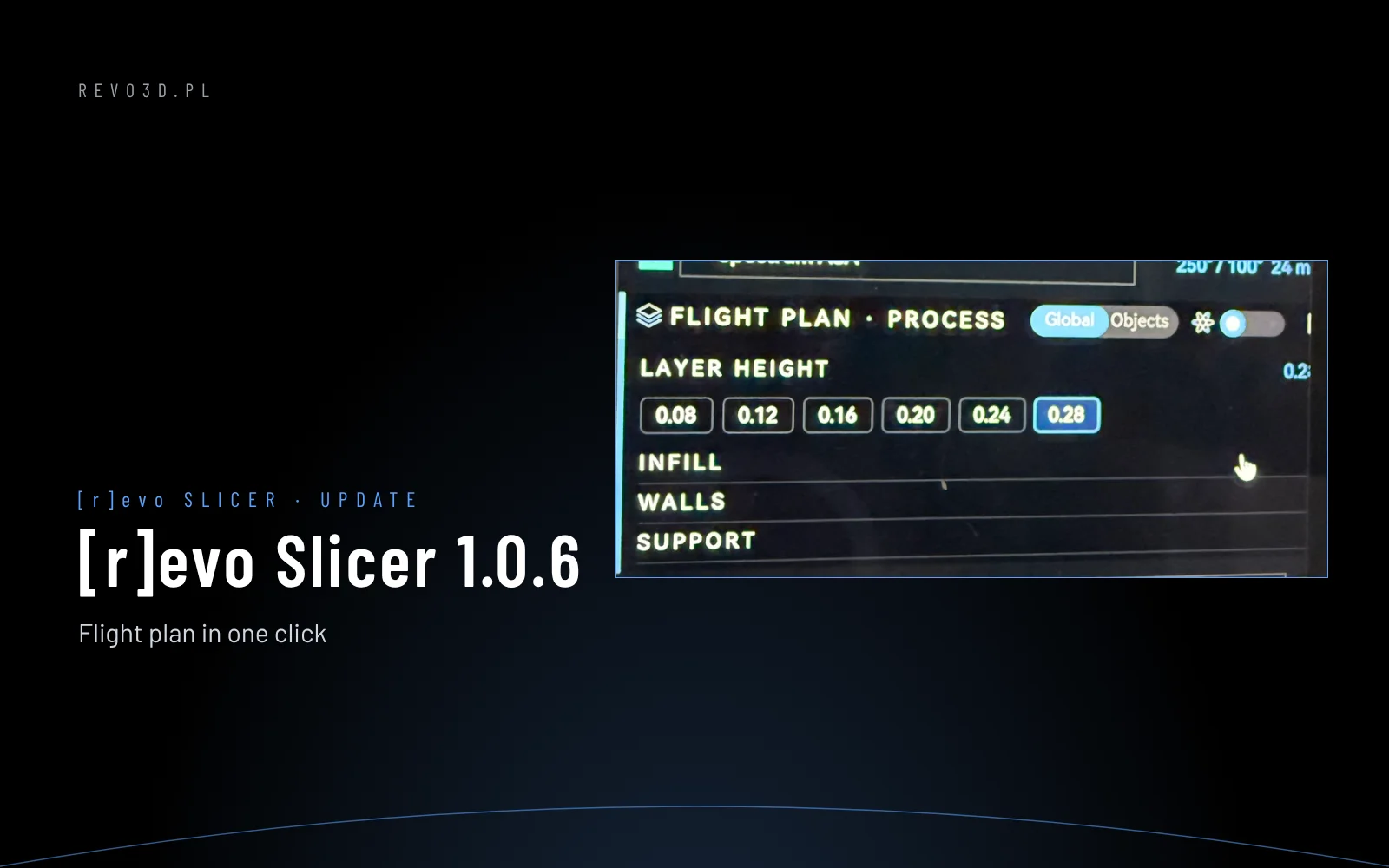
Flight plan in one click
In the Flight plan · Process panel, click a value – e.g. layer height – and ready-made choices open under the row. Layer heights match the fitted nozzle (0.08 to 0.28 mm for 0.4). Infill (0–100%), walls (1–6) and supports work the same way: Off, Auto (from the plate) or Everywhere. The change goes into the process exactly as if you typed it in the tab – save it with the disk icon or keep it for this project only.
Also in 1.0.6
- Layer slider in the preview is back on the right and easier to see.
- Device – after Undock the tab shows “No printer docked” instead of the last machine.
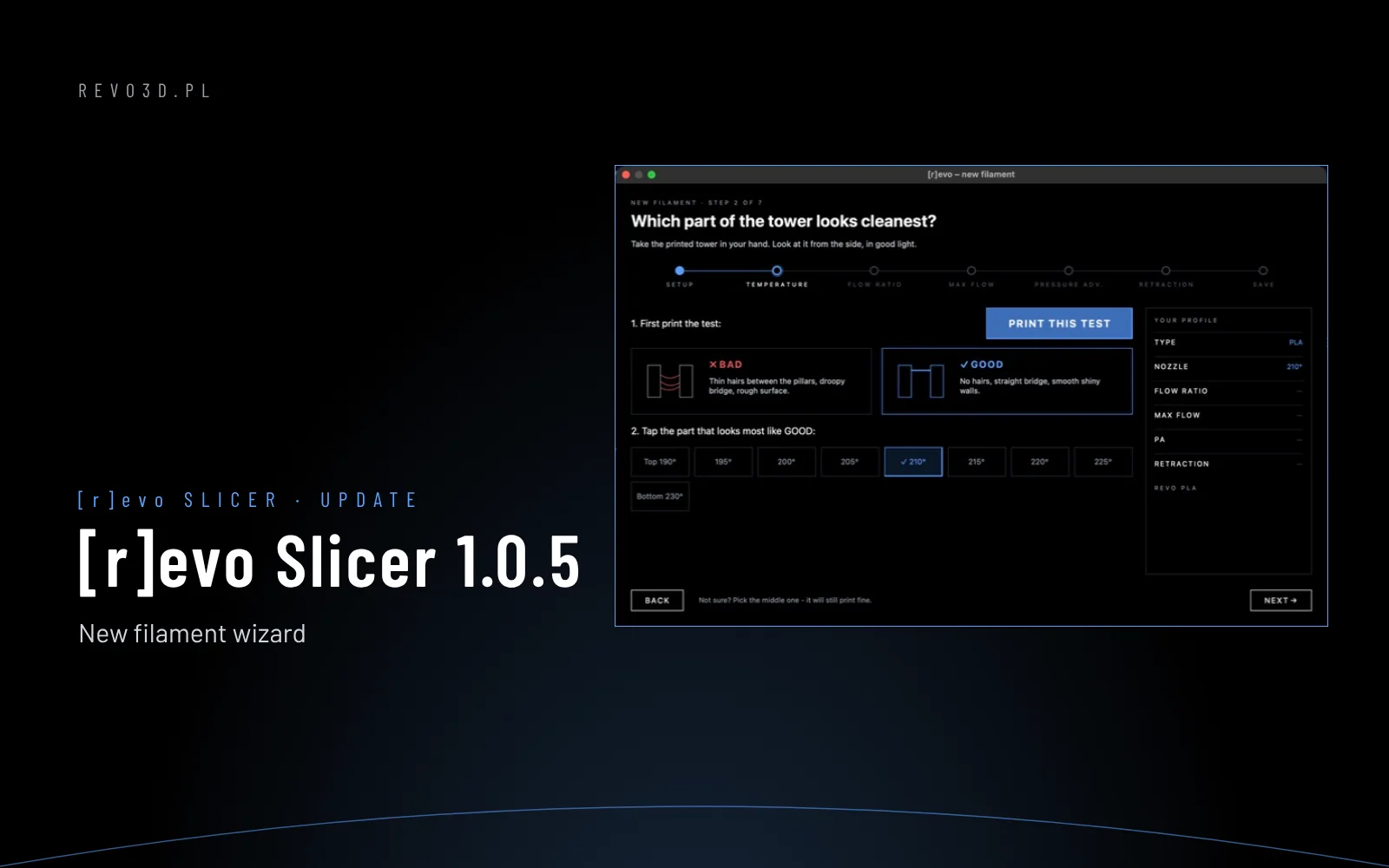
- Filament wizard – clearer summary: nozzle temperature and flow ratio with the chosen step.
Got an idea what else should be at hand in the Flight plan? Write to us – user feedback shapes the next versions.