Filament manufacturer's guidance comes first. Every manufacturer has its own formulations and publishes its own parameters – nozzle, bed and chamber temperature, drying, cooling. Even the same material (e.g. PETG) from two brands may need different settings. Treat the values in this guide as a starting point: check the technical data sheet (TDS) and the spool label first, and if something is missing, ask the filament manufacturer for guidance.
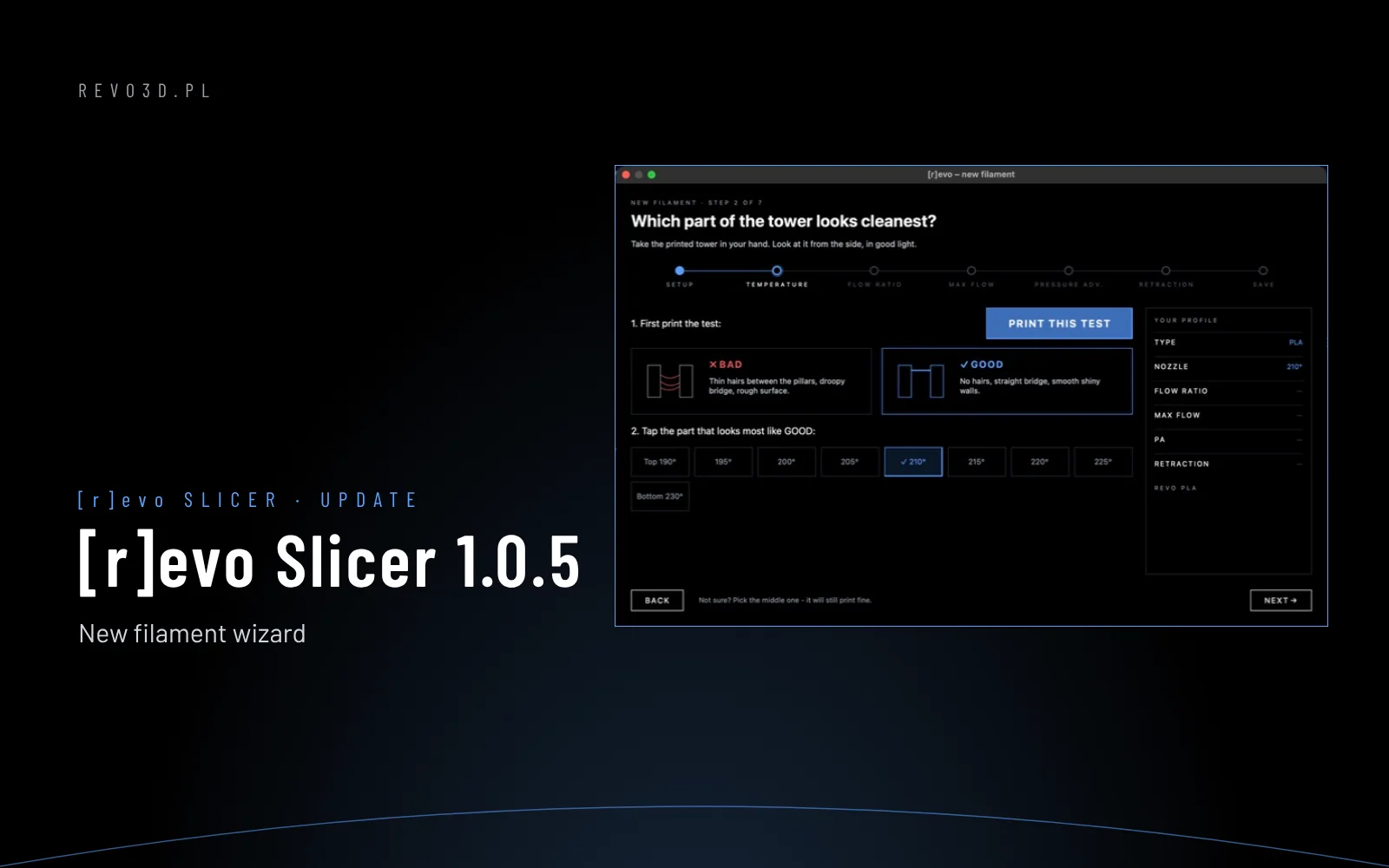
[r]evo Slicer 1.0.5 is the biggest update of our slicer for Revon 3D printers so far. The headline feature is the new filament wizard, which walks you through calibration step by step – no hunting for values in tables, no guessing.
New filament wizard
Open Calibration → New Filament Wizard, pick the material, brand and colour, and the wizard takes you through five tests: temperature, flow ratio, max flow, pressure advance and retraction. Each test prints with one button; then you tap the part of the print that looks best, with a “good” and “bad” drawing next to it. At the end the wizard saves everything as your filament profile.
New panels: Vehicle, Payload, Flight plan
- Vehicle · Printer – printer silhouette, nozzle and plate in one place.
- Payload · Filament – nozzle and bed temperature for the selected plate and max flow in mm³/s, right next to the filament.
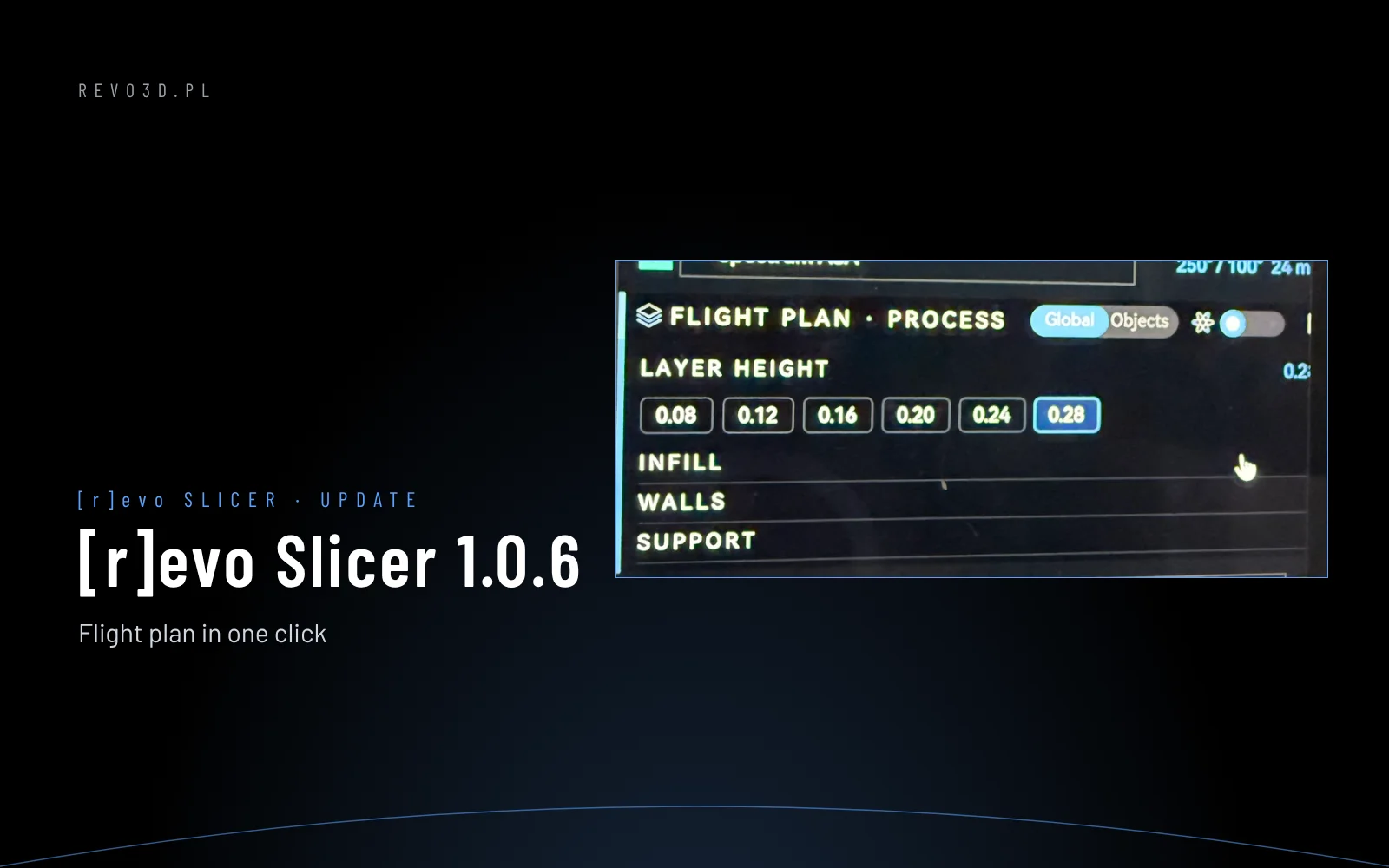
- Flight plan · Process – the key print settings: layer height, infill, walls and supports, without opening tabs.
Also in 1.0.5
- 358 built-in filament profiles from 40 manufacturers.
- Faster discovery of Revon printers on the network – they appear in the list immediately.
- Version and build number in the About window.
See also: connecting [r]evo Slicer to the printer.