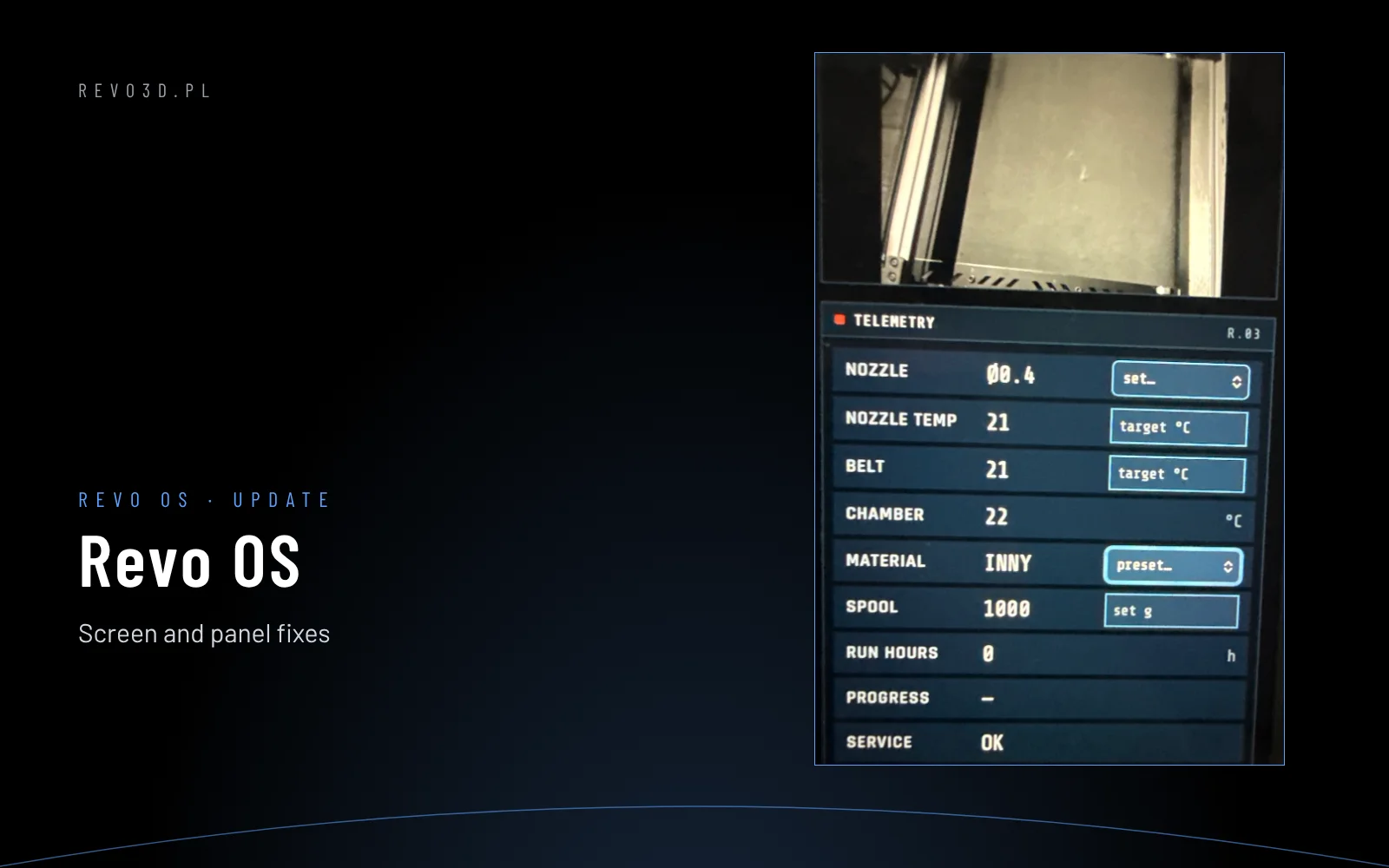
[r]evo Mission is the part of Revo OS built for print-on-demand production. Orders, the print queue, reports and labels work on the Revon machine screen, in Revo Panel in the browser and in [r]evo Slicer. Your data stays in your network: no cloud, no subscription and no separate production management software.
Who it is for
For companies that print parts for clients: 3D printing services, toolrooms, prototyping and maintenance departments, and anyone running several printers at once. If your orders live in a spreadsheet today and the order number hangs on a sticky note next to the machine, Mission puts it all in one place, where the parts are made.
Orders, with progress counted in good parts
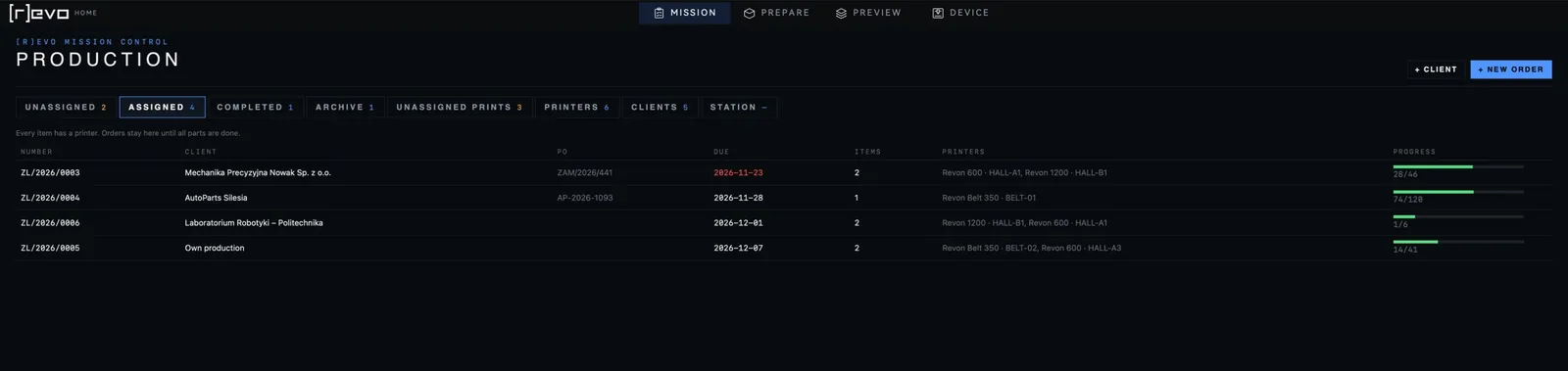
An order has a client, a number, a due date and items: part, quantity, material and G-code file. After each print the operator confirms on the machine screen how many parts came out good and how many need reprinting. Progress counts only good parts, so you see at once how much is left before the due date. The dashboard shows overdue orders, the ones due this week and the next due date.
Print queue
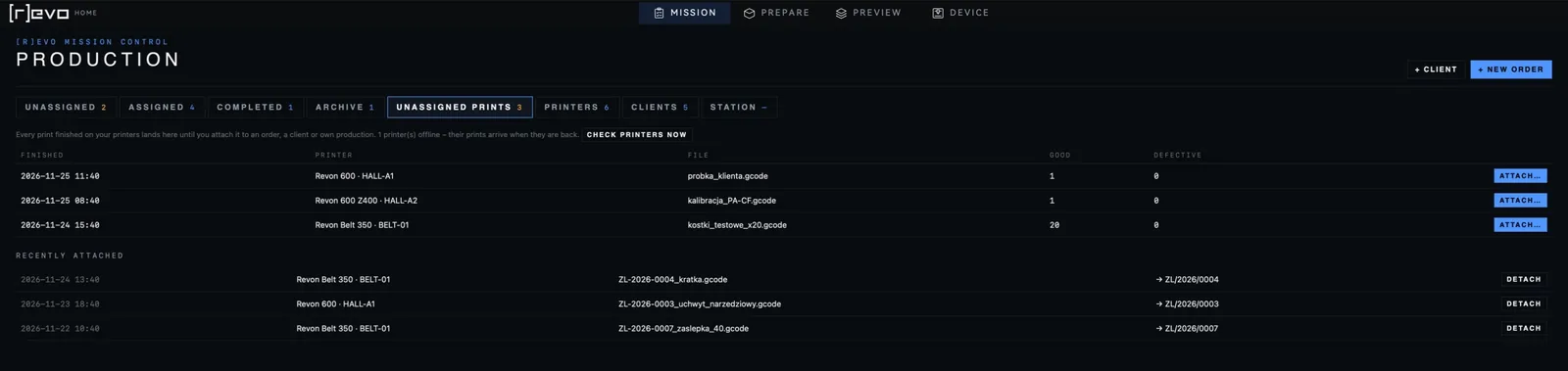
An item goes from the order to the queue in one click. The machine screen shows "Next in queue", so the operator never hunts for a file. Files sent from the slicer without an order land in unassigned prints and can be attached to an order later.
A report for every print, with a QR code
Revo OS records how every print went: temperatures, pauses and waiting for filament, door openings, cooling, camera photos, settings from the file and machine state. Every report has a number and a SHA-256 checksum. Two documents come out of it: one A4 page for the parts' recipient and a full internal report, both with your company details and logo, printed from the browser to PDF.
The QR code on the report opens revo3d.pl and shows whether the report is genuine. The recipient checks it without calling you.
Labels, order sheet and order report
Labels with a QR code print on Dymo, Brother QL, Zebra or 100×150 mm shipping labels. The A4 order sheet starts production: machine time, filament with a 10% reserve and room for signatures. When the order is done, the client gets an order report listing every print.
Shop orders and notifications
Orders from Allegro, WooCommerce or Shopify arrive in Mission through Base.com (BaseLinker) as orders, matched by SKU. Status changes can go on by webhook to Make, Zapier, n8n, Slack or Discord.
3D printer farm
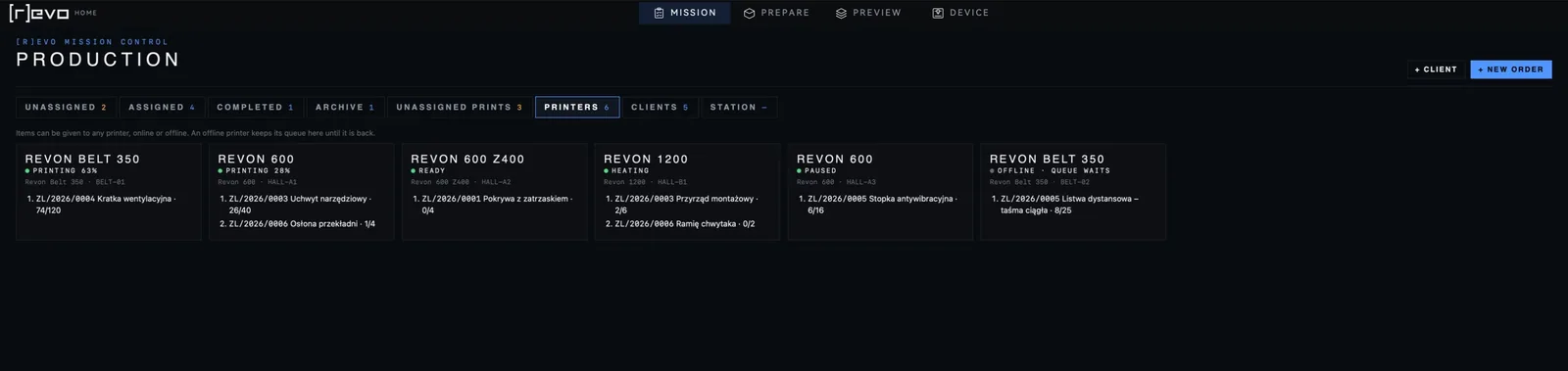
One machine acts as the hub and sends the queue to free machines loaded with the right material, up to 50 Revon printers in one farm. A print can also be tied to one machine. A remote start happens only on a machine whose plate the operator confirmed clear.
Team communication
Every order keeps its history: team notes and e-mails to the client sent from your company mailbox. A shift handover note stays on the machine screen, so the next person knows what is going on.
[r]evo Mission in [r]evo Slicer 1.0.13
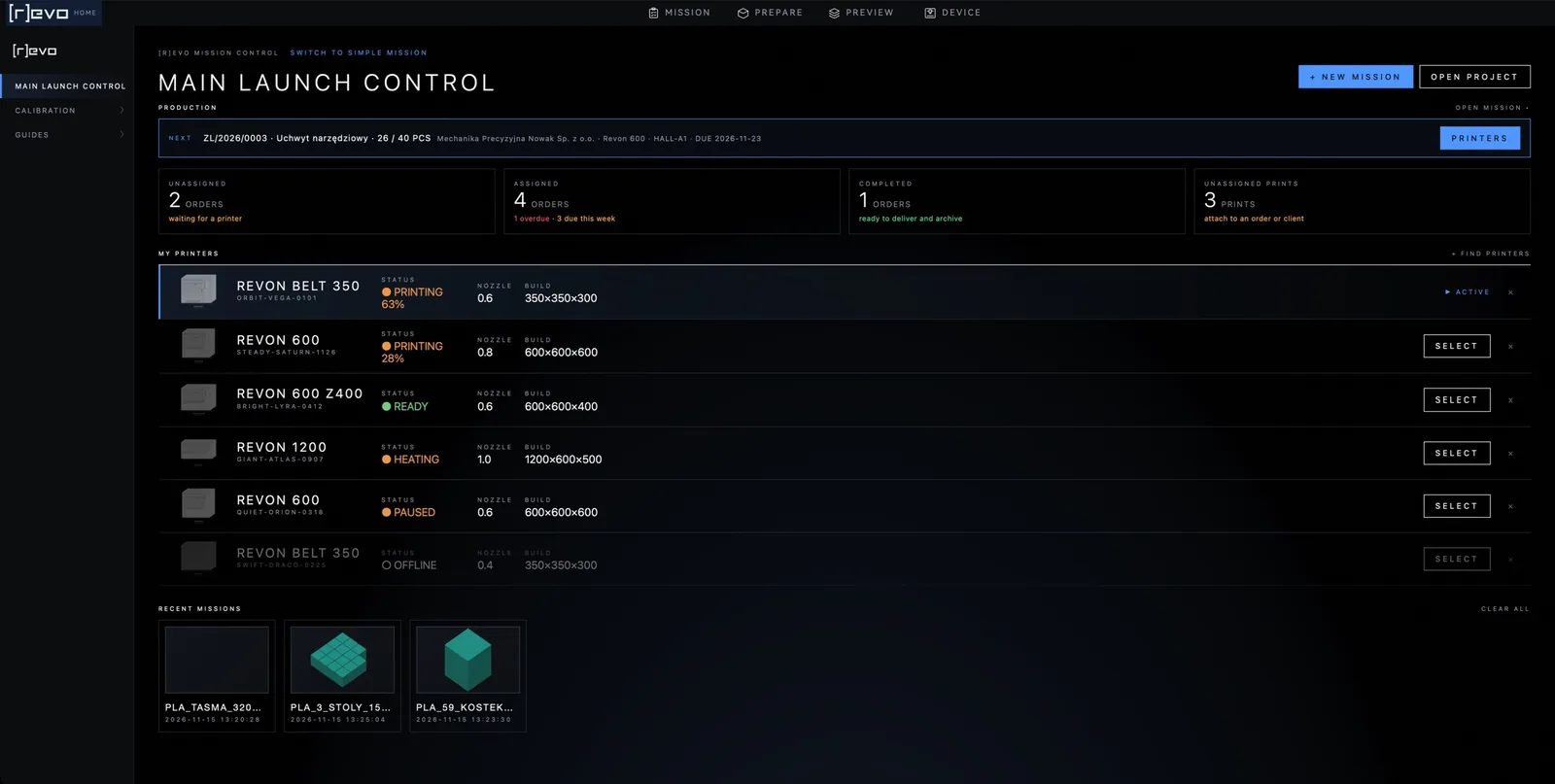
In the slicer, on Windows and macOS, Mission has its own tab with the Main Launch Control dashboard, orders, unassigned prints and the printers in your local network. The slicer and the Mission pages come in 7 languages: English, Polish, German, French, Spanish, Italian and Czech. Presentation mode (Preferences → Presentation mode) fills Mission with sample printers and orders while your real data stays untouched. Download the slicer from the Software page.
Getting started
- A Revon printer with Revo OS 1.6.5 or newer. New machines ship with it; existing customers get the update during maintenance.
- [r]evo Slicer 1.0.13 on a computer in the same network.
- Your company details and logo in Revo Panel – they go on reports and labels.
- The first order: client, due date, items and a file from the slicer.
See [r]evo Mission live. We will show Mission on your parts and your process. Book a demo or call +48 512 960 411.
More about the system: Revo OS, machine test and self-diagnostics, Revon printers and what is new in [r]evo Slicer 1.0.13.