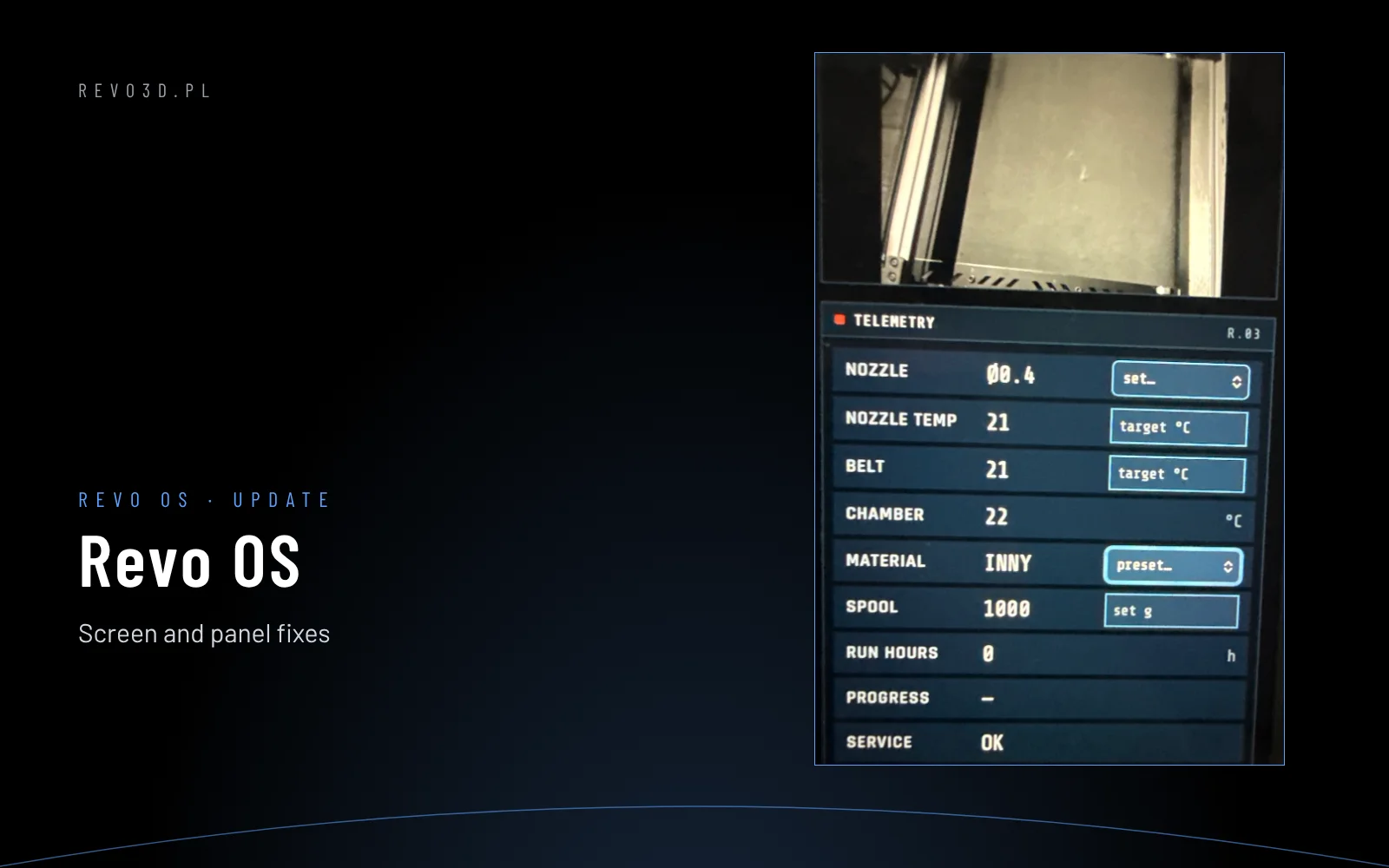
Revo OS 1.5.3 brings a new service test for every Revon printer: ORBITA. It is a load test in which all axes work at the same time – no heating and no filament, but the full range of motion.
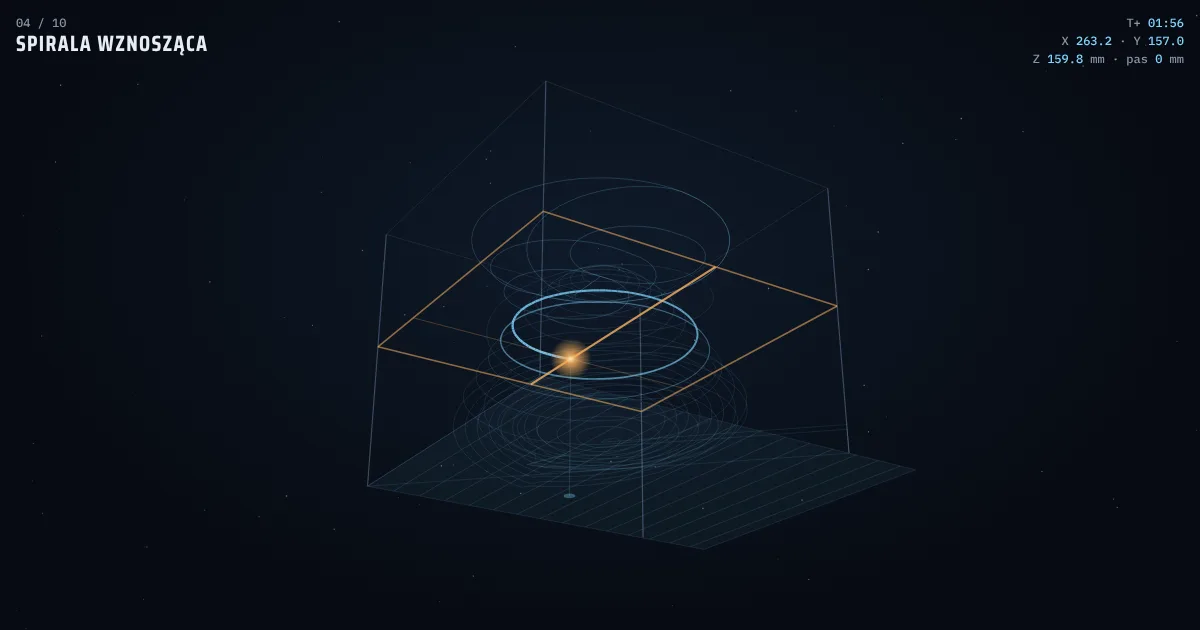
Animation: the first round of the test (100 mm/s) on the Revon Belt, six times faster. The toolhead path comes from the real test macro. Open full screen.
What the test does
The toolhead flies orbits written as smooth arcs, while the Z axis rises and falls along every arc. The test runs in stages:
- Homing of all axes.
- Tilted orbits – eight ever tighter circles, Z waving up and down.
- Belt manoeuvre – on the Revon Belt the belt moves out and back.
- Climbing spiral – half circles towards the centre, Z goes high up.
- Transfer orbits – jumps between a small and a large orbit with a height change.
- Figure eight – two loops with Z swinging.
- Helix down – full circles back down.
- Re-entry – a spiral to the centre, slowing down.
- Touchdown – a Z “bow” (and the belt on the Revon Belt).
- Docking – XY homing and mission complete.
The whole sequence repeats in three rounds – 100, 200 and 300 mm/s, never faster than the limit set on the machine. The full test takes about 7 minutes.
Fitted to every machine
- Size – the orbits are sized from the printer's axis range, so the test works the same on the Revon Belt 350×350×300 and on large rigid-bed machines.
- Z axis – every height change is spread over the arcs so Z never exceeds its speed. The toolhead does not slow down and the motion stays smooth. On the Revon Belt the gantry travels from about 20 to 260 mm.
- Belt – belt manoeuvres appear only when the Belt module is on.
ORBITA on your own Klipper printer
We share the macro for free with everyone who runs Klipper (Voron, bed-slingers, CoreXY machines). On the ORBITA generator you enter your machine's size and speeds, watch a 3D preview of the mission and copy a ready orbita.cfg. There is also a universal version that reads the axis range from printer.cfg by itself.
- Save
orbita.cfgnext toprinter.cfg(Mainsail or Fluidd: config files) or over SSH:wget -O ~/printer_data/config/orbita.cfg https://revo3d.pl/media/orbita/orbita.cfg. - Add
[include orbita.cfg]toprinter.cfg; if you have no[gcode_arcs]section, add it withresolution: 1.0. Restart Klipper. - Type
ORBITAin the console. Change the speeds right in the command, e.g.ORBITA SPEEDS=80,160,240orORBITA SPEEDS=150 Z_SPEED=8.
Before launch, empty the bed and stay at the machine with a hand near the emergency stop. The macro is for Cartesian and CoreXY printers, not delta.
Why such a test
A test print shows that the machine prints. ORBITA shows how the mechanics behave under continuous, complex motion: whether the arcs are smooth, whether Z runs evenly over the whole height and whether the motors stay within limits after several minutes of hard work. At the end the machine asks you to check the motor temperatures.