A 3D printer failure rarely comes without warning. A loosening belt, a weakening heater or noise on a temperature sensor give signals long before downtime. Revo OS has two tools that catch them: the full machine test and daily self-diagnostics.
Full machine test
You start it from the screen: Menu → More → Machine test. It takes 15–25 minutes, depending on the machine. We run it at every machine handover and after every service – it is worth repeating after moving the printer, after replacing parts or when prints suddenly start to go wrong.
What is checked
- Electronics – communication with the boards and motor drivers,
- thermistors – whether readings are plausible and stable,
- each motor separately and the belt (on the Revon Belt),
- homing and axes – whether the machine hits the endstops and moves smoothly,
- levelling and probe – measurement repeatability,
- heating of the nozzle and bed – heating rate and stability,
- fans, extrusion, lighting and screen.
How it runs
At each step the screen shows a picture of what the machine is doing, and you answer WORKS or PROBLEM. You can skip heating when you are in a hurry – the step then gets a yellow flag but does not fail the test. The test can also be run from a phone via Revo Panel. The result is saved in the machine history and (with consent) sent to Revotech service.
Daily self-diagnostics
Once a day, when the machine is not printing, Revo OS runs a short check by itself. It does not move the axes and does not interfere with work. It checks:
- the state of the motor drivers and communication with the boards,
- temperature sensor noise – rising noise often announces a damaged wire,
- heating rate – compared with previous days; a drop means a weakening heater or a power problem,
- fans and the state of the control computer.
How to read the results
- OK – everything is normal.
- ATTENTION – something deviates from normal, but the machine prints. Plan a service at the next maintenance.
- NEEDS SERVICE – the result risks a failure or a bad print. Contact service – fastest with the REPORT ISSUE button on the screen.
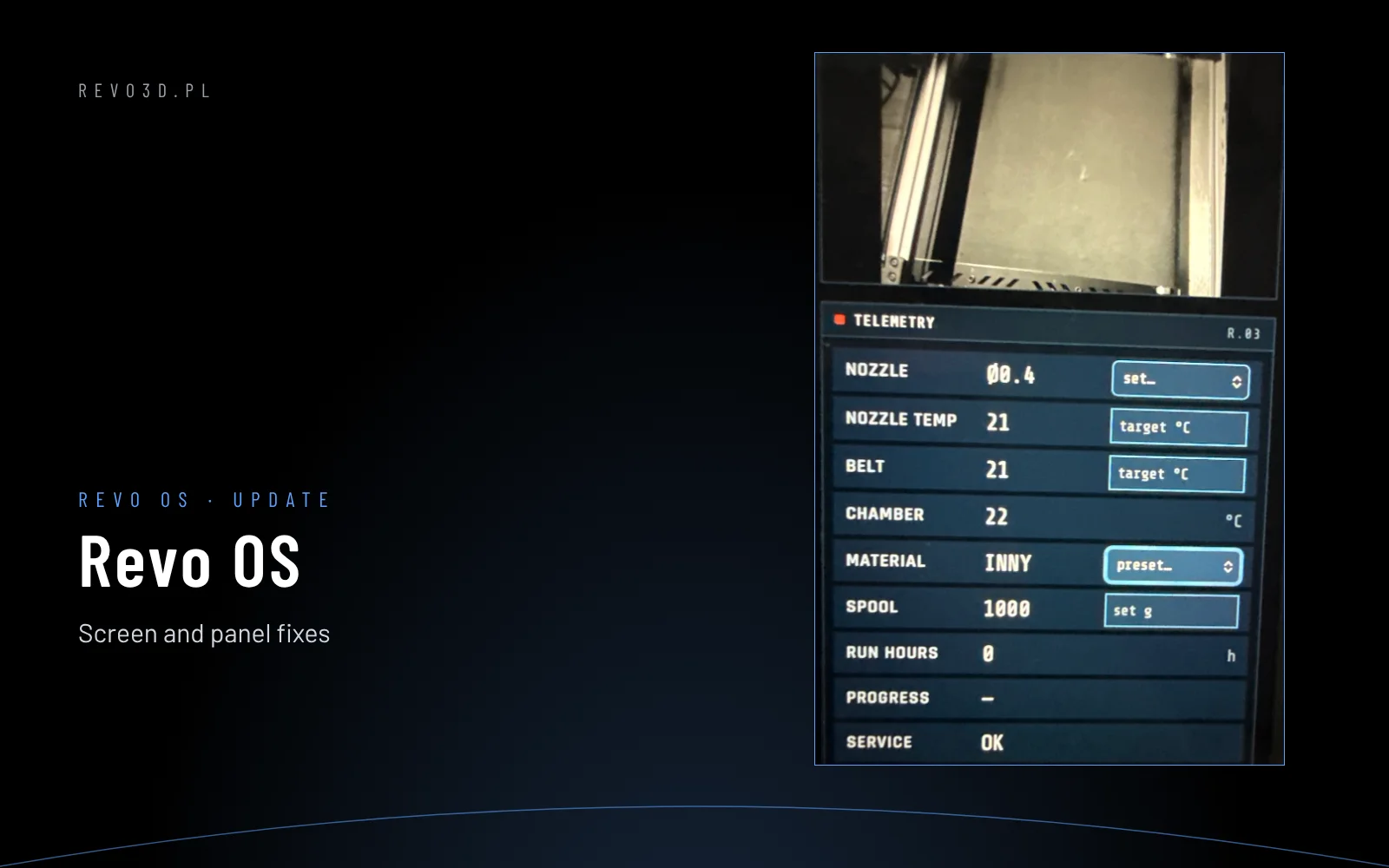
Results are shown on the screen (Menu → More → About system) and in Revo Panel → Service → SYSTEM.
Why it matters in production
A large-format print can take two or three days. A failure halfway is not only wasted material but a missed deadline. The trend from daily self-diagnostics lets you replace a part in a planned window before it stops a job. The maintenance and part counters in Revo OS work the same way.
Something does not add up? See also 3D printer fault diagnosis or contact service.
See also: Revo OS first start