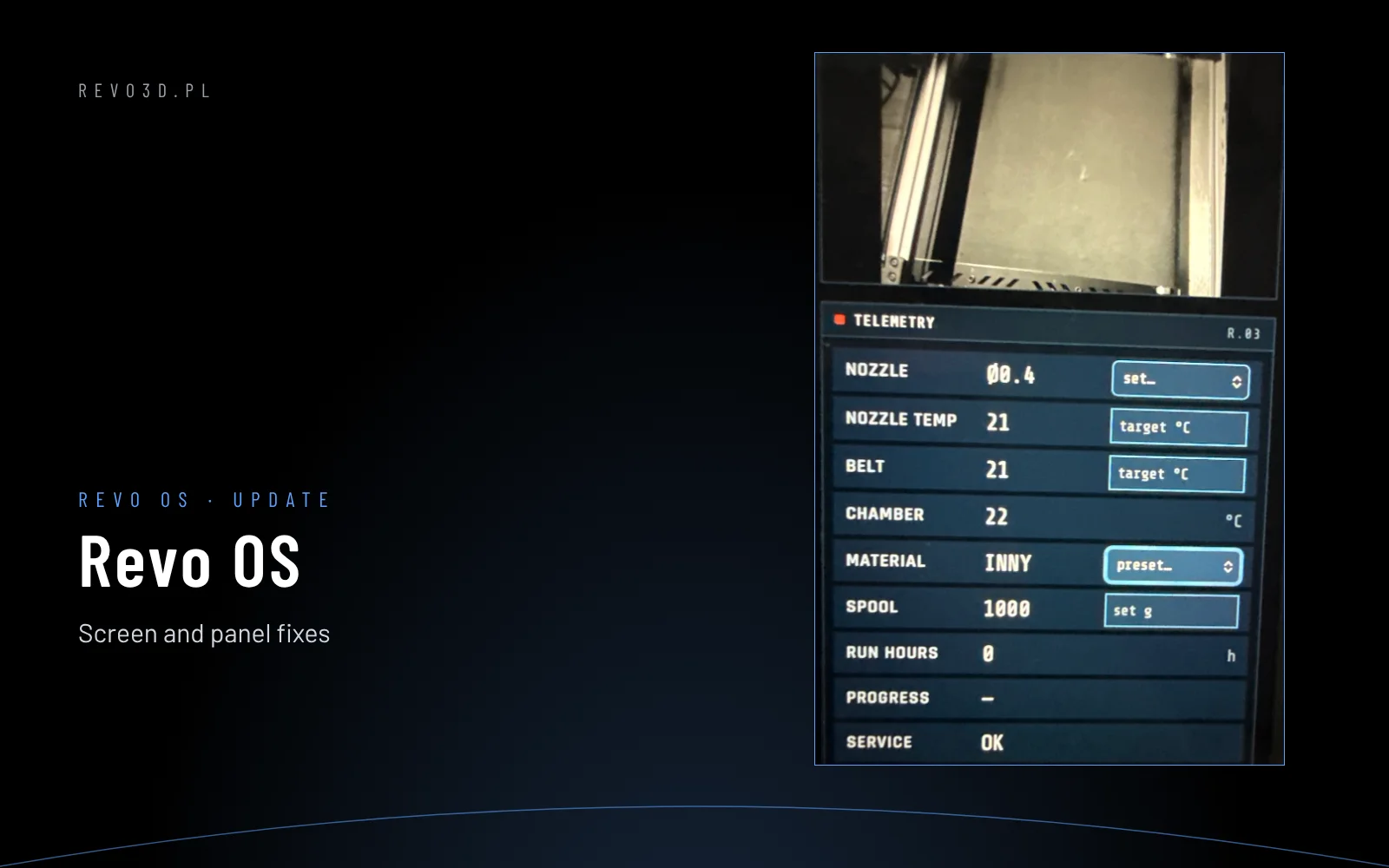
Everything that went into Revo OS, Revo Panel and [r]evo Slicer between 17 and 25 November, in one post. The biggest change is for print-on-demand production: [r]evo Mission brings orders, a print queue and reports straight to the machine and the slicer – no cloud.
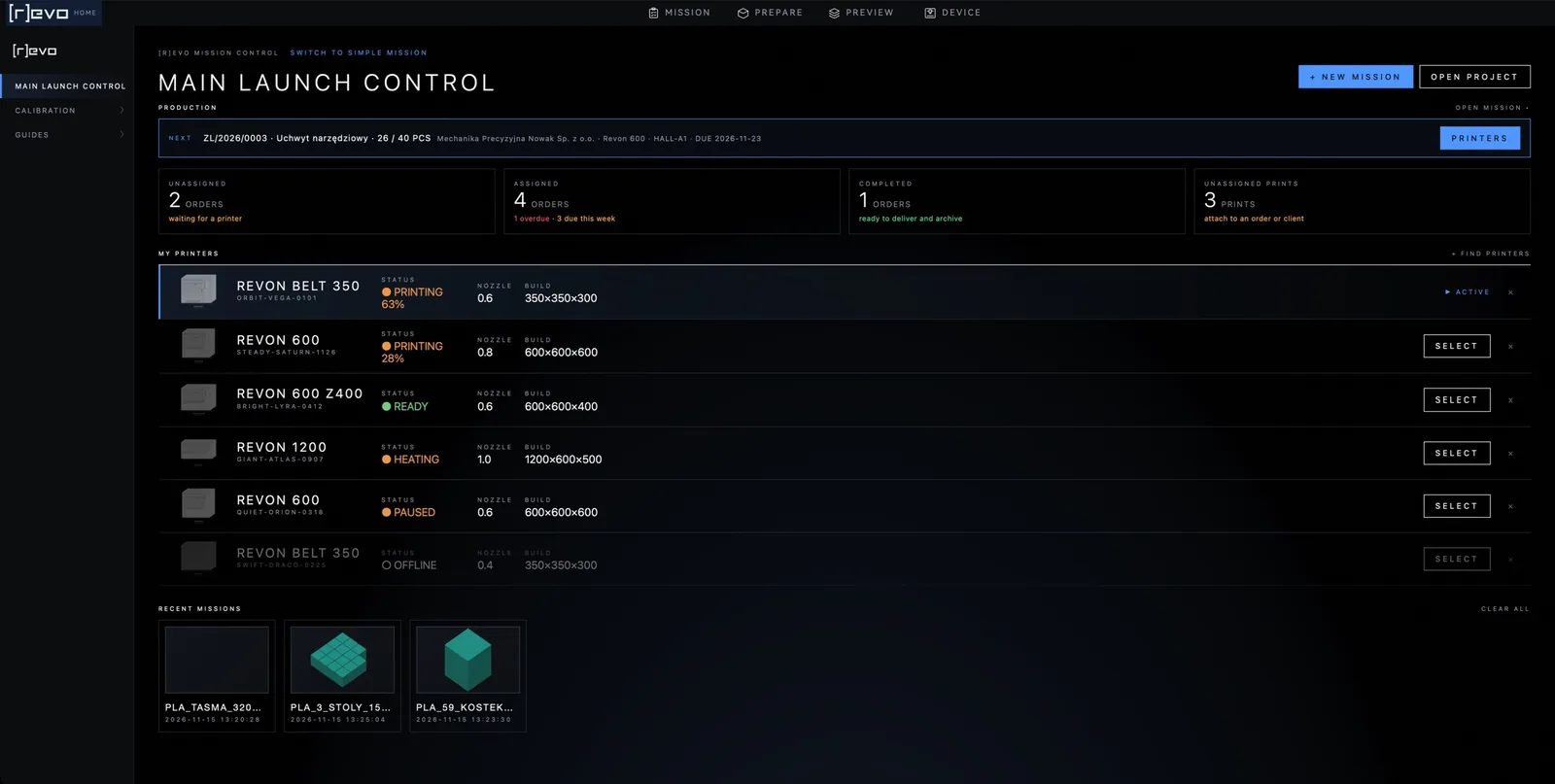
[r]evo Mission – orders, queue, reports
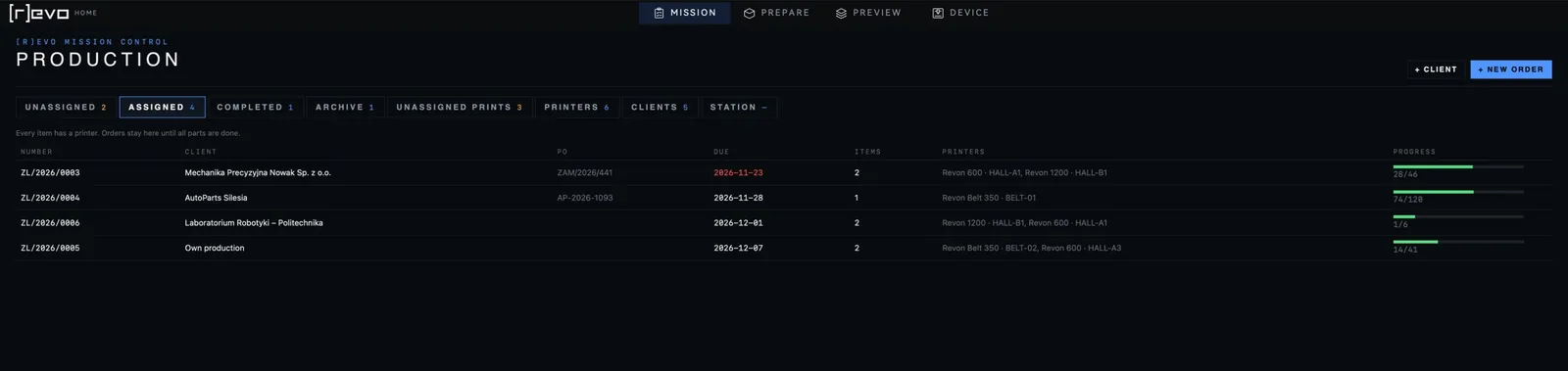
An order has a client, a number, a due date and items: part, quantity, material and G-code file. Progress counts the good parts the operator confirms on the machine screen after each print, and an item goes to the queue in one click.
- A report for every print – one A4 page for the parts' recipient and a full internal report: camera photos, pauses, door openings, temperatures, settings from the file. With your company details and logo.
- Labels with a QR code for Dymo, Brother QL, Zebra and 100×150 shipping labels. The code opens revo3d.pl and shows whether the report is authentic.
- Order sheet to start production (machine time, filament with a 10% reserve, signatures) and an order report for the client.
- Shops – orders from Allegro, WooCommerce or Shopify arrive through Base.com (BaseLinker), matched by SKU. Webhook notifications for Make, Zapier, n8n, Slack and Discord.
- Messages on an order – team notes, e-mails to the client from your company mailbox, a shift handover note on the machine screen.
- Farm – one machine acts as the hub and sends queued prints to free machines with the right material. Remote start only on a plate the operator confirmed clear.
[r]evo Slicer 1.0.13
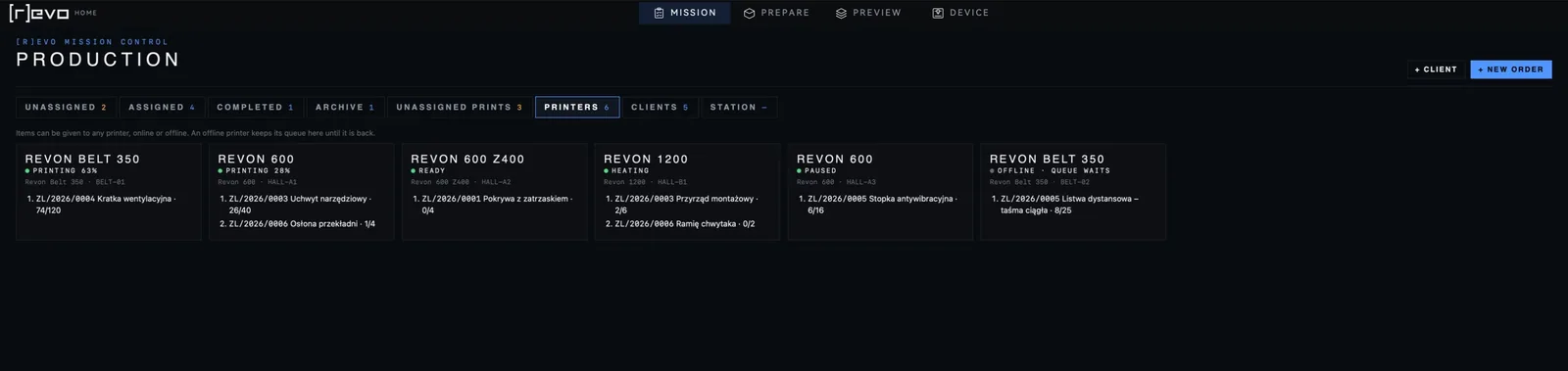
Mission is in the slicer too, on Windows and macOS: the Main Launch Control dashboard, orders, unassigned prints and the printers in your local network with their state. The slicer and the Mission pages speak 7 languages: English, Polish, German, French, Spanish, Italian and Czech. The splash screen carries the new name: [r]evo Slicer + [r]evo Mission.
New presentation mode (Preferences → Presentation mode) fills Mission with sample Revon printers and orders while your real data stays untouched. Handy at trade fairs and training – the screenshots in this post come from it.
Download it from the Software page.
Revo Panel in 7 languages
Revo Panel in the browser has the same 7 languages, and each browser remembers its choice. Reports, labels, the order sheet and the machine test protocol print in the chosen language, dates included. The new Fleet view shows every Revon in your network: state, progress, version. The light switch is now a bulb in the top bar.
Chamber air and filament dryer
Revo OS sets the chamber air for the material sent by [r]evo Slicer. PLA and PETG print in a cool chamber with intake and exhaust fans; ABS, ASA, PC and PA in a warm one with the HEPA + carbon filter on. The inline filament dryer heats to the material's temperature (PLA 45 °C, PETG 60 °C, ABS/ASA 70 °C, PA/PC 80 °C).
Machine test and Revon Belt
The machine test now ends with the ORBITA load test: the probe checks that Z lost no steps, and Revo Panel prints a test protocol for the client to sign. The Revon Belt got new Z motors with a 10:1 gearbox – warm after the test, not hot.
Revo OS comes standard on every new Revon printer; existing customers get the update during scheduled maintenance. Want to see Mission live? Contact us.