
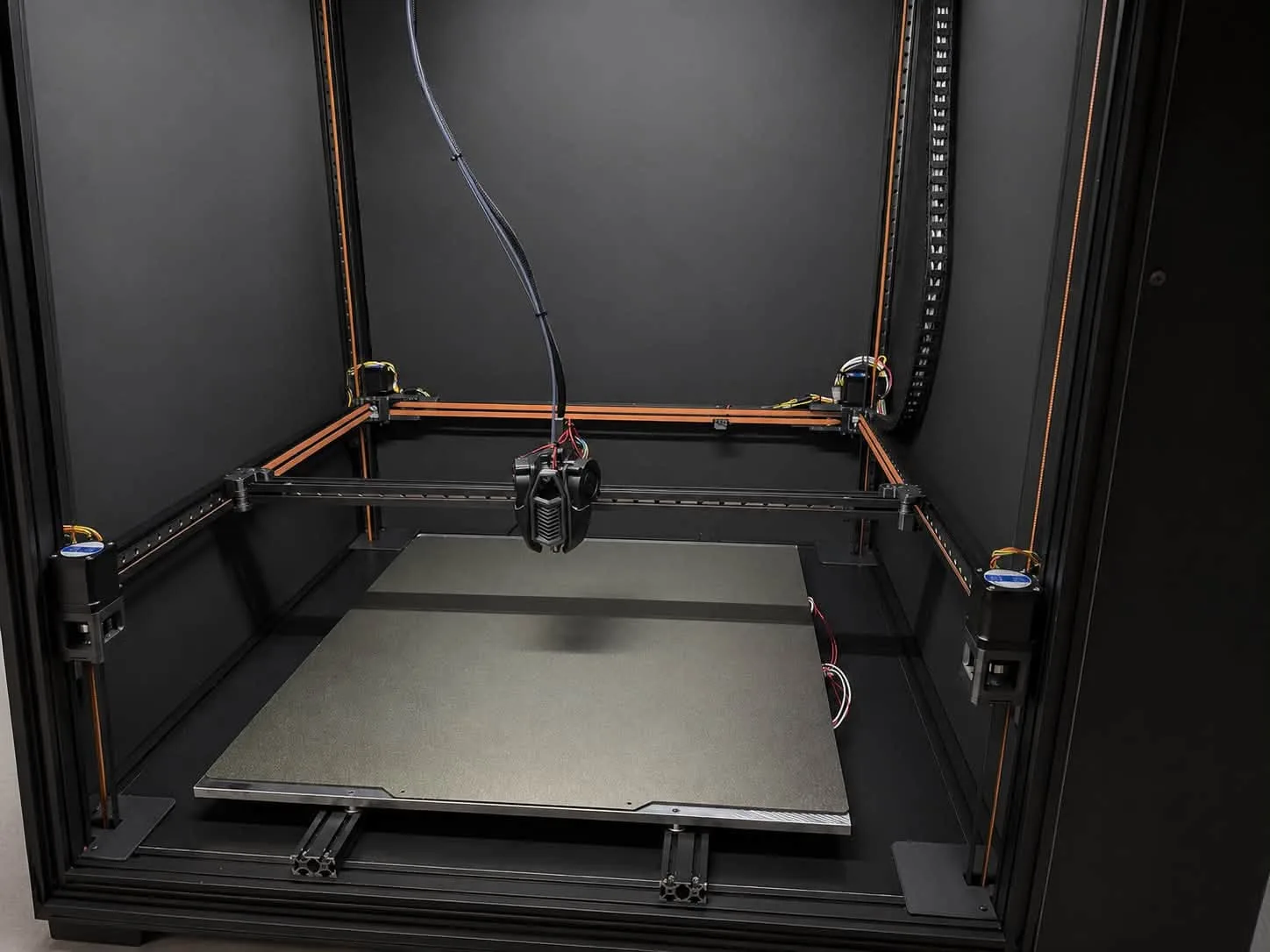
An enclosed, heated chamber is a big advantage for ABS, ASA or nylon. But a filament that copes well with 50–60 °C around the part behaves very differently in PLA, PETG or TPU. If the chamber is too hot for the material, the filament starts to soften before the hotend – in the extruder and the heatbreak. The result: under-extrusion, a clogged toolhead and, in extreme cases, filament literally squeezing out the side of the extruder.
Filament manufacturer's guidance comes first. Every manufacturer has its own formulations and publishes its own parameters – nozzle, bed and chamber temperature, drying, cooling. Even the same material (e.g. PETG) from two brands may need different settings. Treat the values in this guide as a starting point: check the technical data sheet (TDS) and the spool label first, and if something is missing, ask the filament manufacturer for guidance.
What happens inside
The extruder works like a piston: the gears push stiff filament, which forces molten plastic through the nozzle. This only works if the filament stays stiff all the way to the melt zone. Every material has a glass transition temperature – above it, it softens and turns rubbery:
- PLA – approx. 55–60 °C,
- PETG – approx. 75–80 °C,
- ABS / ASA – approx. 100–105 °C,
- TPU – soft by design, so any extra softening quickly causes trouble.
The extruder and the heatbreak heatsink are cooled by chamber air. When the chamber is at 50–60 °C, the heatbreak fan blows hot air and cannot cool the transition zone. Heat creeps upwards (heat creep) and PLA softens a few centimetres above the nozzle.
Symptoms
- Clicking or skipping extruder – soft filament gives no resistance, the gears slip and grind a groove into it.
- Thin layers, gaps in extrusion – occasional at first, then more frequent as the chamber warms up.
- Clogged heatbreak – softened filament expands and jams in the tube before reaching the melt zone.
- Filament squeezing out the side – when the nozzle resists and the filament is already rubbery, instead of pushing down it buckles between the gears and the hotend inlet and oozes out of a gap in the extruder. Especially common with TPU and with PLA in a hot chamber.
- A print that starts well and fails after an hour – a typical sign that the problem is the rising chamber temperature, not the settings.
Chamber temperature by material
- PLA – open chamber or as close to room temperature as possible, at most approx. 35 °C. Open the door or remove the lid.
- PETG – usually no chamber heating, at most approx. 40–45 °C.
- TPU – open chamber, cool extruder.
- ABS, ASA – closed chamber, typically 45–60 °C.
- Nylon, PC, engineering composites – higher, depending on the material and what the printer design allows.
Nozzle and bed temperatures are in our starting temperature chart.
How to prevent it
- Match the chamber to the material – after printing ABS, don't start PLA in a hot chamber. Open it and let it cool down.
- Check heatbreak cooling – the heatsink fan must run whenever the hotend is hot. A dirty heatsink or weakening fan is a common cause of heat creep.
- Don't overdo retraction – long retractions pull warm, soft filament into the cold zone, where it sets and forms a plug. More in our guide to retraction.
- Avoid long pauses with a hot hotend – pausing with a heated nozzle and PLA is a quick route to a clog.
- Set the extruder tension correctly – too tight deforms soft filament, too loose slips.
When it is already clogged
Stop the print and cool the chamber first. Remove the filament and inspect it: a flattened, swollen tip or a deeply ground groove confirm overheating. Remove any filament that squeezed out the side and check the extruder gears – plastic between the teeth must be cleaned out. If the heatbreak is clogged, heating the hotend and pulling the plug out (a cold pull) often helps. If not, the hotend must be disassembled.
On Revon printers
On Revon printers the chamber temperature is shown on the Revo OS screen, so it is easy to check before starting whether the chamber is too hot for the chosen material. More about when a chamber helps and when it hurts: heated chamber 3D printer.