The spool label gives a temperature range – usually a wide one, e.g. 200–230 °C. The best value depends on the printer, the nozzle and your print speed. Fast printing usually needs a higher temperature than slow printing, because the filament has less time to melt.
Filament manufacturer's guidance comes first. Every manufacturer has its own formulations and publishes its own parameters – nozzle, bed and chamber temperature, drying, cooling. Even the same material (e.g. PETG) from two brands may need different settings. Treat the values in this guide as a starting point: check the technical data sheet (TDS) and the spool label first, and if something is missing, ask the filament manufacturer for guidance.
Starting point
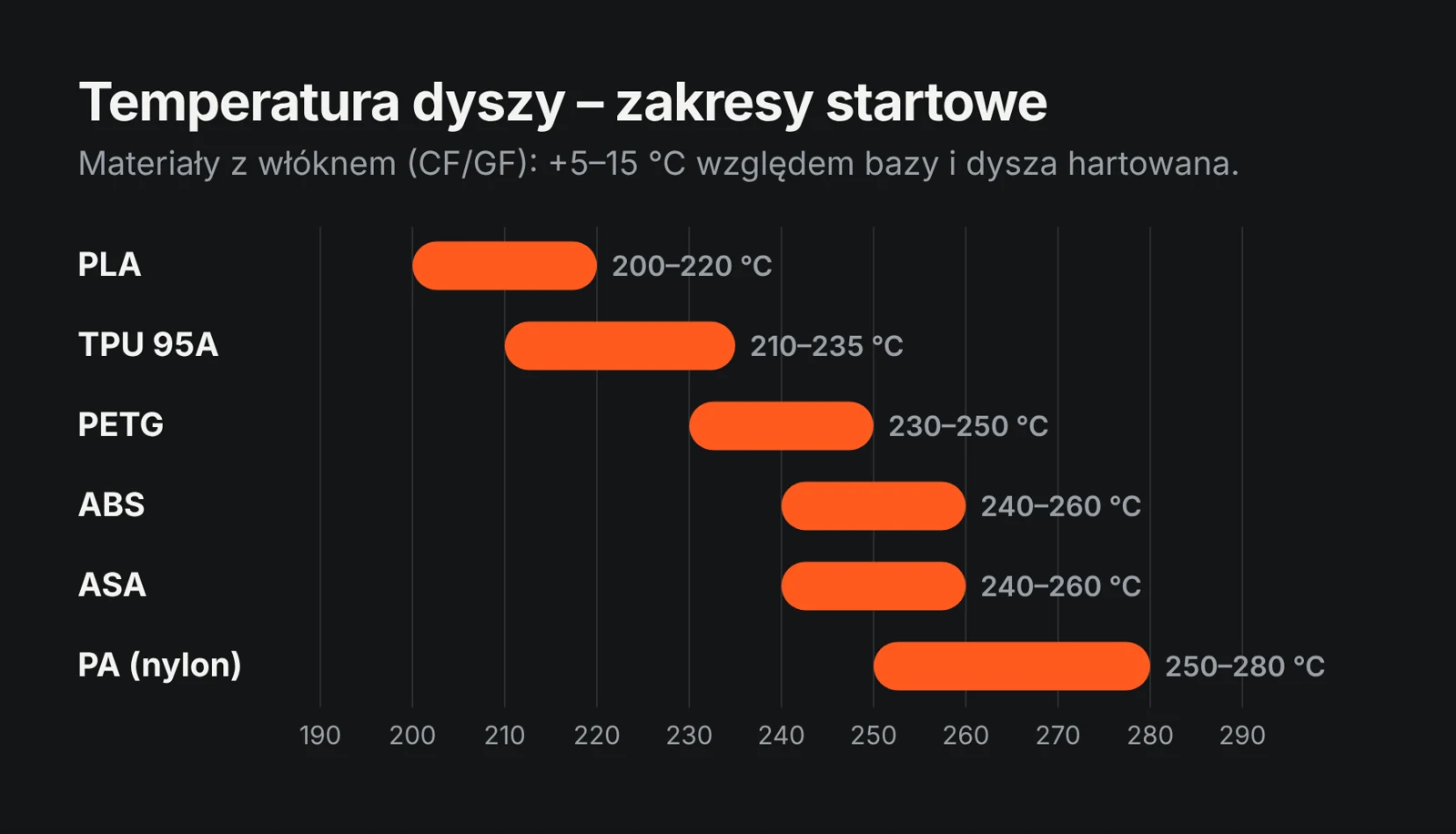
| Material | Nozzle | Bed | Chamber | Fan | Notes |
|---|---|---|---|---|---|
| PLA | 200–220 °C | 55–65 °C | open | 100% | too hot = strings and drooping overhangs |
| PETG | 230–250 °C | 70–85 °C | open / ajar | 30–60% | dry at 65 °C for 4–6 h; use a release agent on smooth PEI |
| ABS | 240–260 °C | 95–110 °C | closed, warm | 0–20% | without a chamber it cracks and lifts at the corners |
| ASA | 240–260 °C | 90–110 °C | closed, warm | 0–30% | like ABS, UV resistant |
| TPU 95A | 210–240 °C | 35–60 °C | open | 50–100% | slow, little retraction, ideally direct drive |
| PA (nylon) | 250–280 °C | 70–90 °C | closed, warm | 0–30% | must be dry; glue or a garolite plate |
| PLA-CF, PETG-CF, PA-CF | +5–15 °C vs. base | as base | as base | as base | hardened nozzle – brass wears quickly |
These are starting values, not targets. The manufacturer's label takes priority – pigments and additives can shift the optimum by 10–15 °C.
Temperature tower in Orca Slicer
- Select the printer profile and your new filament profile.
- Menu Calibration → Temperature. Set the range from the label (e.g. 250 → 220 °C in 5 °C steps).
- Print and assess each segment: bridges, overhangs, strings, surface quality – and finally try to break the tower; the right temperature gives strong layer adhesion.
- Enter the chosen value in the filament profile (first layer usually +5 °C).
Bed temperature
Too low – poor adhesion and lifting corners (warping). Too high with PLA – "elephant's foot" and soft bottom layers.
Temperature, speed and nozzle
- Faster = hotter – at higher flow (mm³/s) the plastic has less time to heat up. When you increase speed, raise the temperature by 5–10 °C.
- Bigger nozzle = more material – 0.6–1.2 mm nozzles on large-format printers often need the upper end of the range.
- Chamber – in a closed, warm chamber ABS and ASA print more reliably, while PLA needs the door open (see chamber too hot).
Signs of the wrong temperature
- Too cold: weak layers you can separate by hand, matte surface, skipping extruder.
- Too hot: strings, drooping overhangs, blurred fine details, discolouration.
On Revon printers
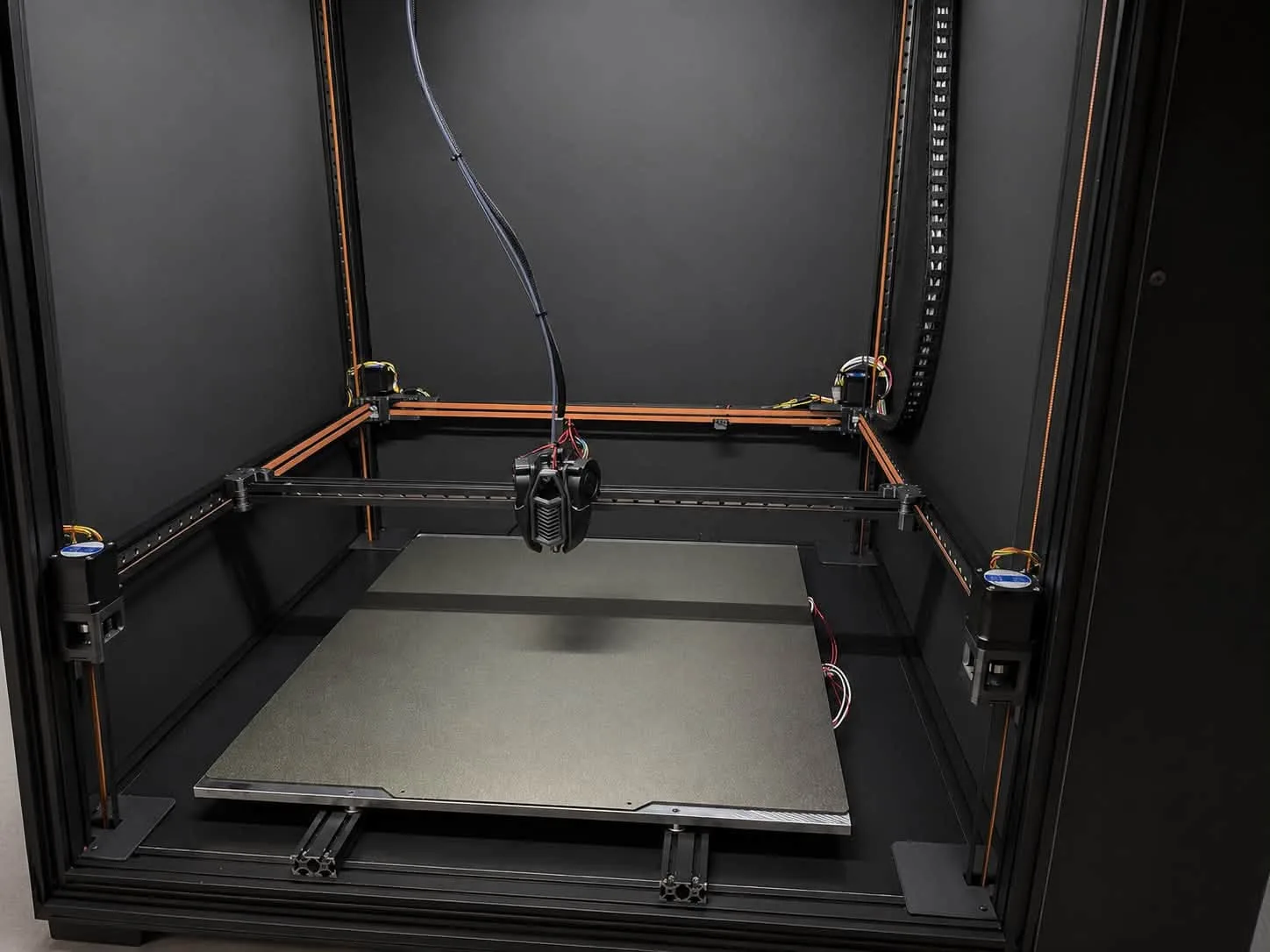
In Revo OS, the PLA, PETG and ABS/ASA buttons preheat the machine with one tap, and the filament change wizard sets the temperature for the selected material. The Revotech profiles already include these values, and the High Flow hotend passes approx. 50 mm³/s of PLA instead of approx. 25 in the Standard version – remember the higher temperature for fast printing. Printing large parts? See the Revon 600 large-format printer, the 1200×600 printer or the belt printer for series production.