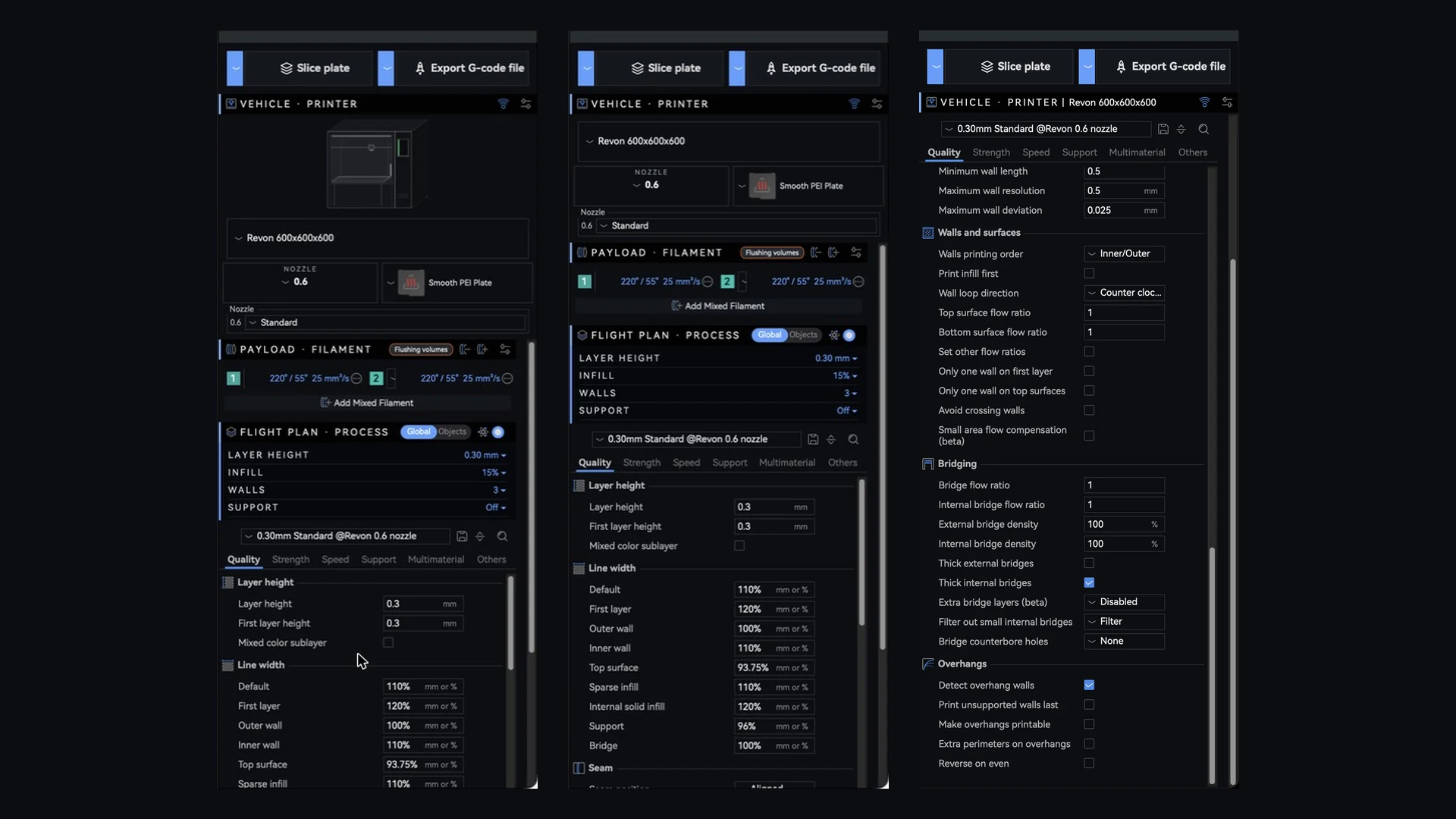
In [r]evo Slicer 1.0.14 the process settings get more room. Until now, below the buttons, the printer choice, the filaments and the flight plan, only a few rows were left for them – and that is where you tweak the most. The idea came from Mr Paweł – thank you very much!
The settings panel in [r]evo Slicer 1.0.14
- The buttons and the printer stay in place. Slice plate, Export G-code and the choice of machine, nozzle and plate sit at the top of the sidebar. The filaments, flight plan and settings scroll below them. Scroll down and the Quality, Strength, Speed and other tabs take the full height under the printer.
- An expand button sits next to the preset name, by the save icon. It folds the filaments and the flight plan to their title bars. A second click brings back what was open, and the slicer remembers the choice after a restart.
- The printer picture can be turned off in Preferences → General → Show printer picture. The printer section then shows just the choice of printer, nozzle and plate.
- The mouse wheel over the settings first scrolls the whole sidebar until the tabs reach the top, then the list itself. No need to aim for the scrollbar.
The notes for offline printers in [r]evo Mission are now translated into all the slicer languages too. Download [r]evo Slicer 1.0.14 for Windows and macOS (Apple Silicon) from the Software page.
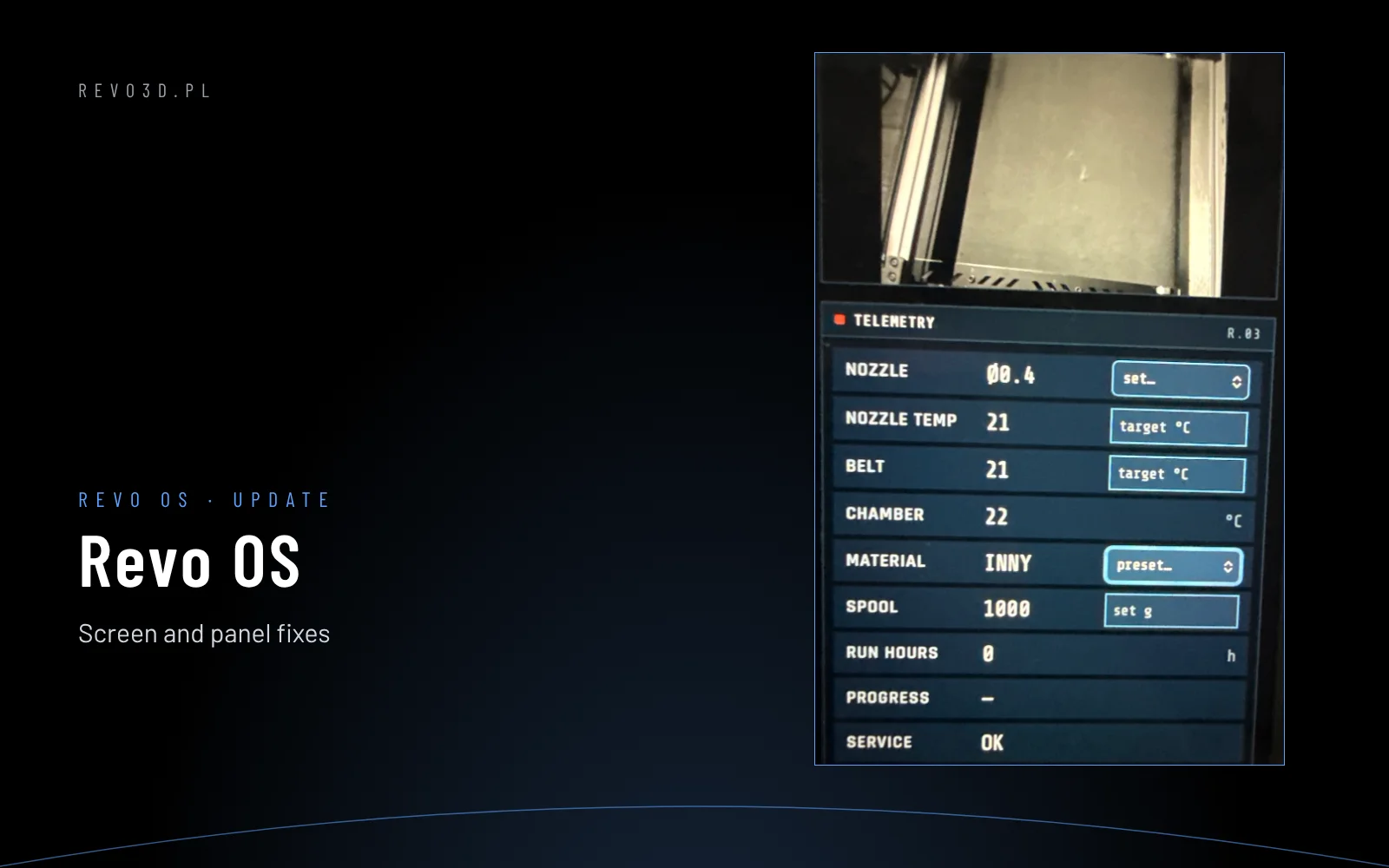
Revo OS screen 1.4.94
The bottom bar of buttons on the machine screen now always stays in the same place. It used to slide down with longer messages and on the filament panel. Whatever does not fit now scrolls above the bar. The move panel keeps a single E-STOP button, the one on the bottom bar.
A page about [r]evo Mission
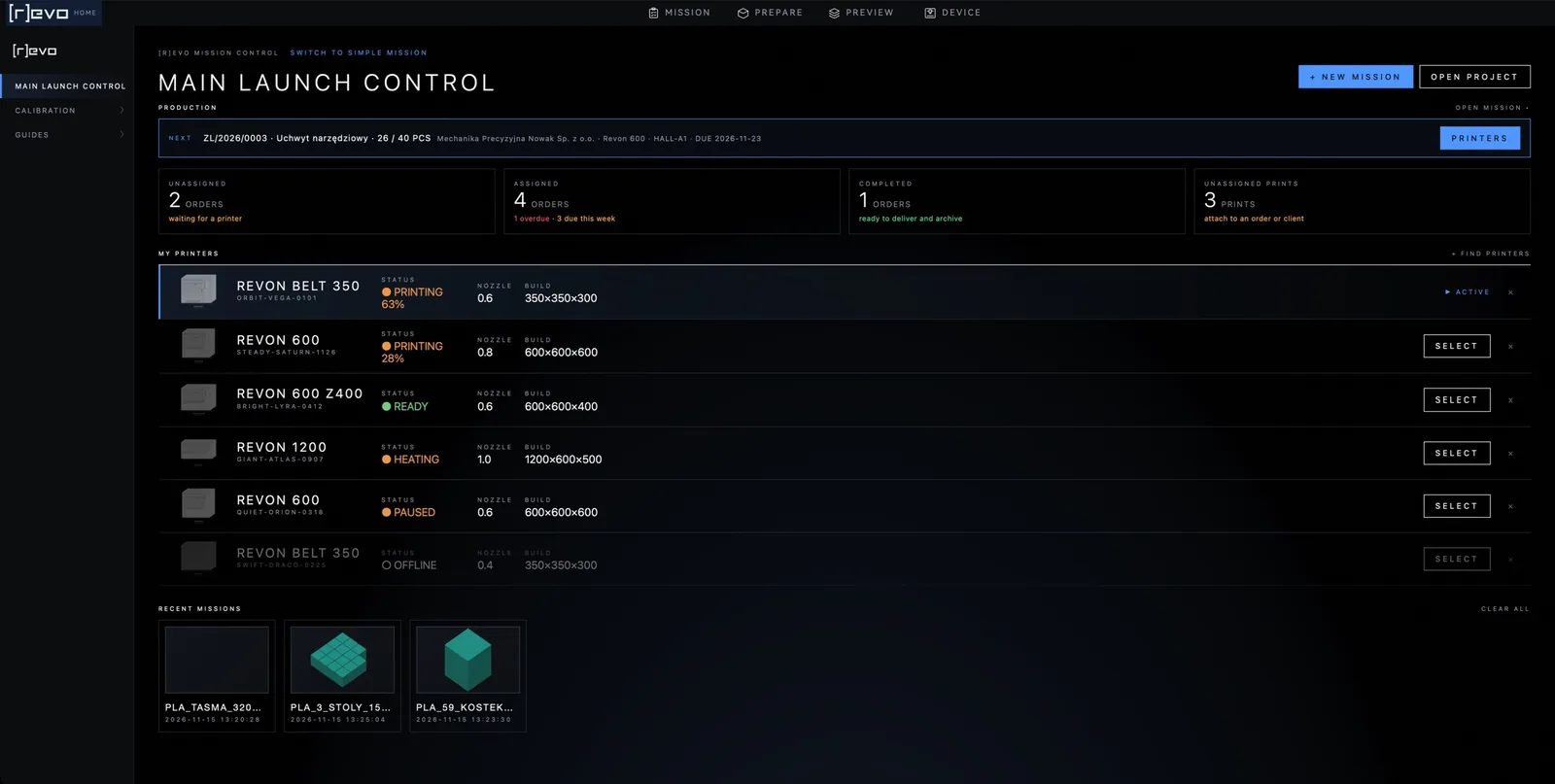
[r]evo Mission has its own page: revo3d.pl/en/revo-mission. It covers orders, the print queue, QR-coded print reports, labels, shop orders and the printer farm.
Have an idea for the slicer or the machine screen? Write to us – that is how this version came about.