
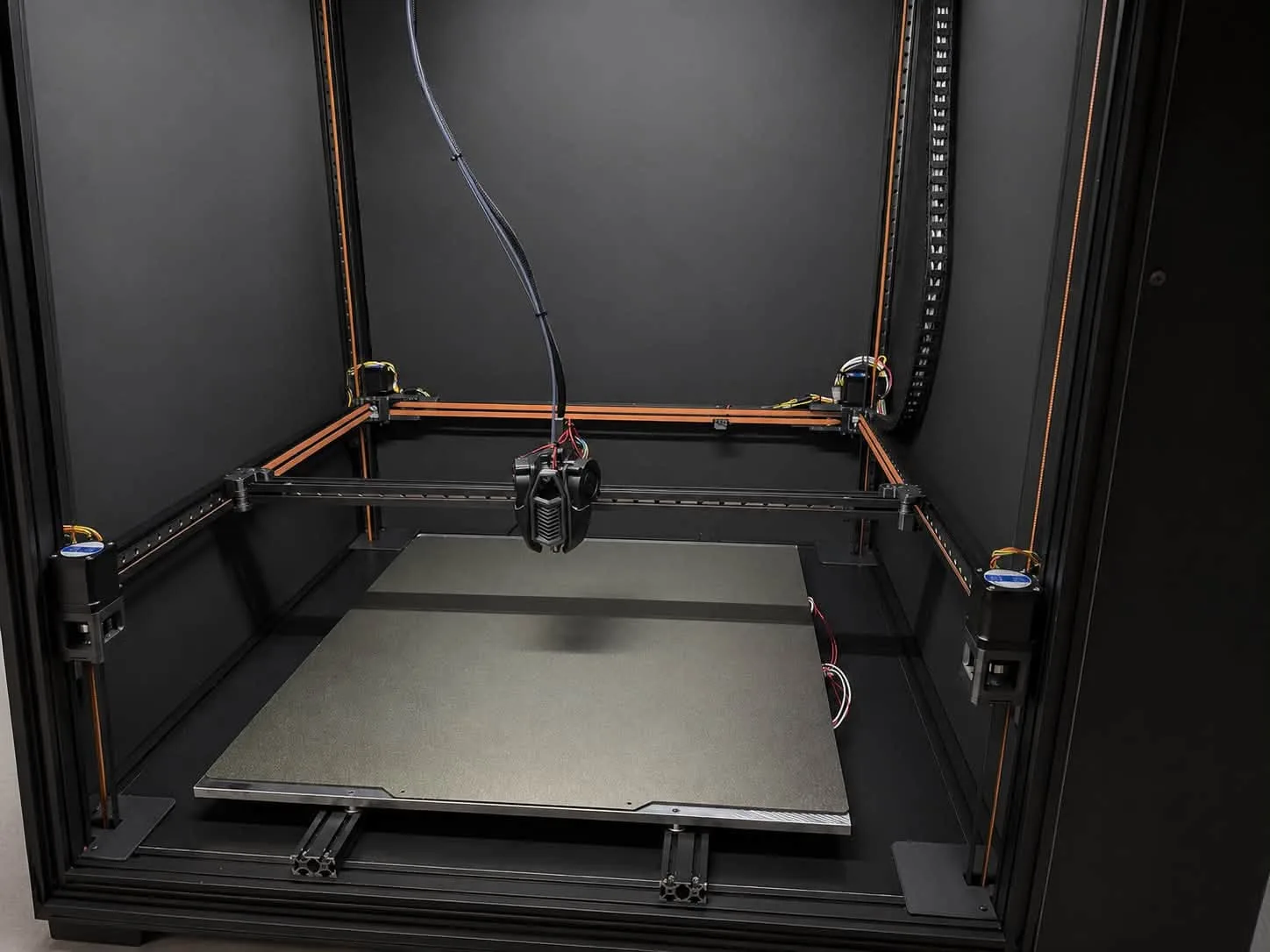
Marlin and Klipper are the two most popular firmware options for FDM 3D printers. Both are open and free, but they work very differently. We service printers on both every day, and our Revon printers run Klipper – here is a practical comparison.
The key difference: where motion is calculated
Marlin runs entirely on the printer's mainboard – the microcontroller interprets G-code and drives the motors itself. Klipper moves the calculations to a more powerful computer (e.g. a Raspberry Pi or a computer inside the printer), and the mainboard only executes the planned steps precisely. That gives Klipper far more computing power for motion planning.
Comparison at a glance
- Speed and acceleration – Klipper reaches high speeds without losing quality more easily; Marlin on weaker boards hits its limits sooner.
- Input shaping – standard in Klipper with accelerometer measurement; newer Marlin has it too, but configuration is more limited.
- Pressure advance / linear advance – both have it; in Klipper it is easier to tune and adjust on the fly.
- Configuration – Marlin requires editing files and recompiling; in Klipper you edit a printer.cfg text file and restart.
- Operation – Klipper has web interfaces (Mainsail, Fluidd) with previews, macros and a camera; Marlin is usually operated from the screen and an SD card.
- Simplicity – Marlin works out of the box without an extra computer; Klipper needs a host and some knowledge for the first setup.
When to stay with Marlin
When the printer works well, you print occasionally and do not need higher speeds. A simple, reliable machine on Marlin needs no change.
When to switch to Klipper
- you want to print faster at the same quality,
- you have ringing and vibration problems that input shaping solves,
- you have several printers and want to manage them in a browser,
- you are building or upgrading a large printer (e.g. CoreXY, several Z motors, a CAN toolhead).
Moving from Marlin to Klipper
The switch involves flashing Klipper to the board, installing the host, preparing printer.cfg for the actual hardware and then calibrating: axis directions, PID, probe and Z offset, bed mesh, input shaping and pressure advance. Unknown boards and unusual wiring cause the most trouble.
Revo OS – Klipper without Klipper's downsides
Revo OS is our Klipper-based system optimised for Revon printers: it keeps Klipper's speed and precision while removing unused options and making operation from the screen simple. It is standard on every new machine, and existing customers receive it during maintenance.