Filament manufacturer's guidance comes first. Every manufacturer has its own formulations and publishes its own parameters – nozzle, bed and chamber temperature, drying, cooling. Even the same material (e.g. PETG) from two brands may need different settings. Treat the values in this guide as a starting point: check the technical data sheet (TDS) and the spool label first, and if something is missing, ask the filament manufacturer for guidance.
[r]evo Slicer 1.0.8 tidies up what you see in the system every day: our slicer now introduces itself by its own name everywhere.
Its own name everywhere
- Windows – the program is RevoSlicer.exe; the desktop shortcut, Start menu and installer show “[r]evo Slicer” with our version number.
- macOS – “[r]evo Slicer” in the Dock, Activity Monitor and Get Info.
- Your profiles, wizard filaments and docked printers stay where they are – nothing to set up again.
New About window
A description of [r]evo Slicer, Revotech details and a note that this is our modified version of OrcaSlicer – with thanks to the authors of the projects it grew from and a link to the source code (AGPL-3.0).
Also in 1.0.8
- The slicer tells you when a newer version is available on revo3d.pl.
- Slicing progress, tips, links and the preview legend in Revo blue.
- Cloud sign-in prompts removed – [r]evo Slicer works fully locally.
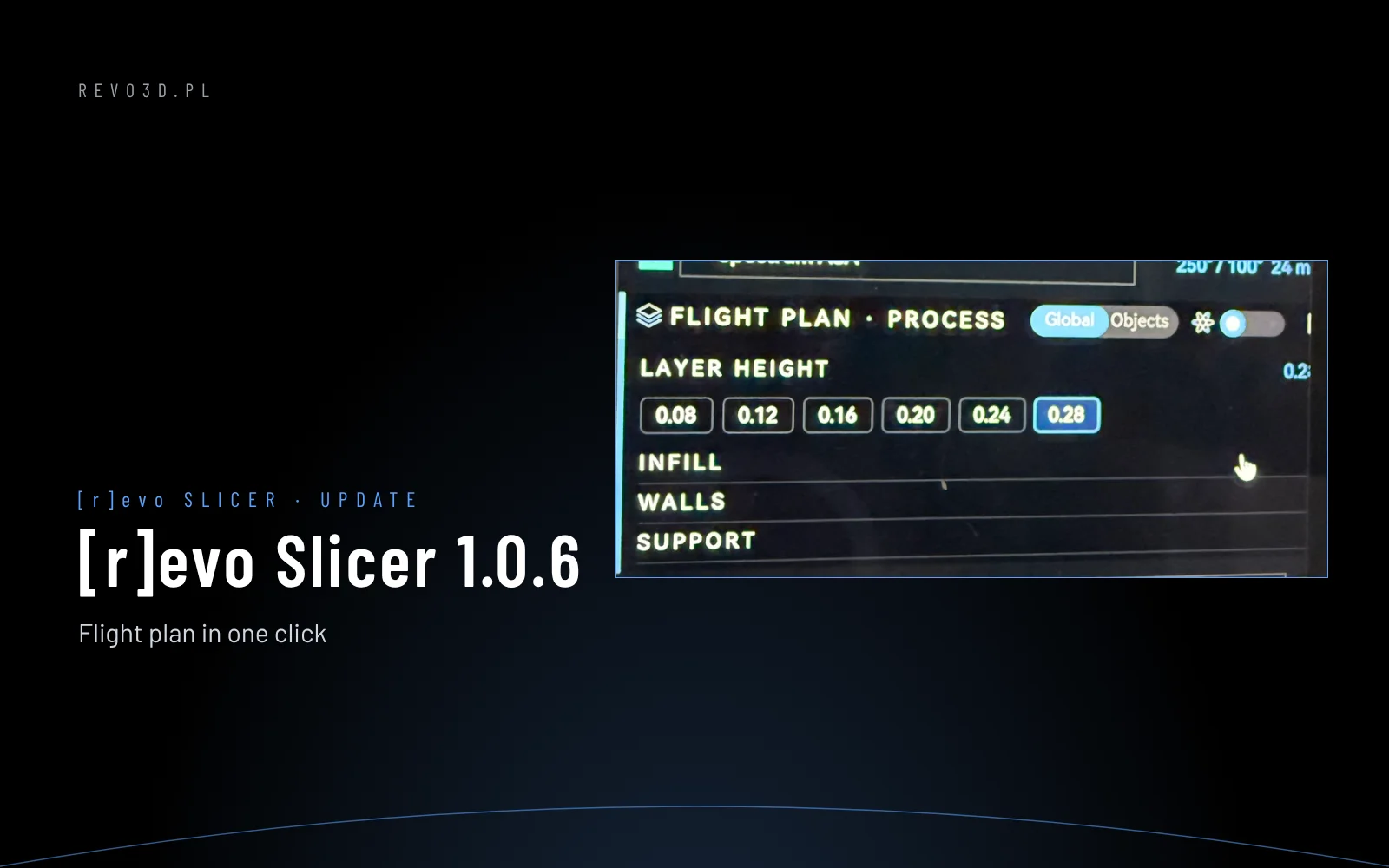
- Includes everything from 1.0.6: one-click Flight plan, layer slider on the right, “No printer docked” after Undock.