The current [r]evo Slicer is always available on the Software page.
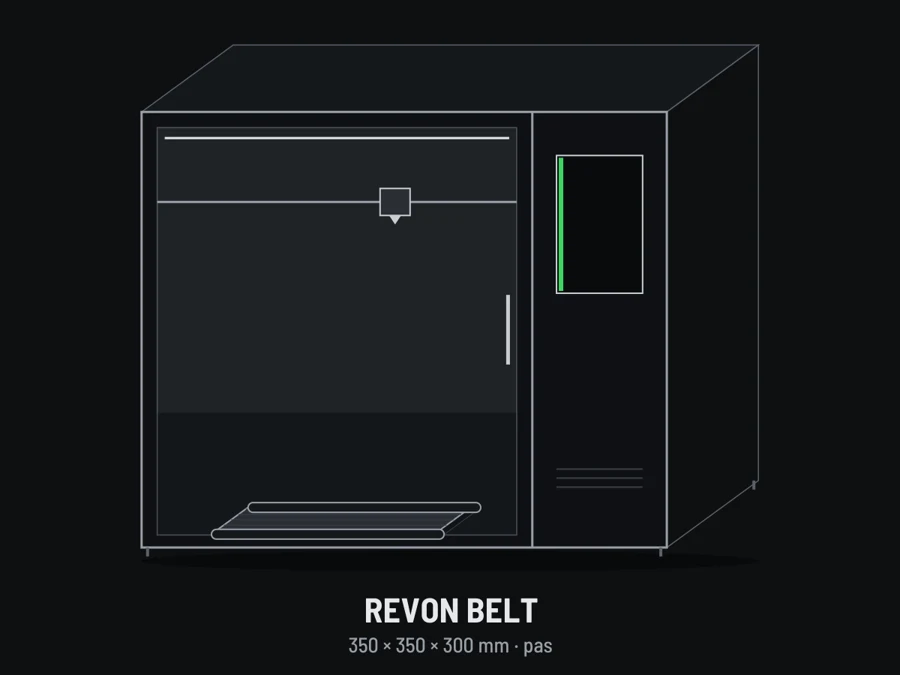
[r]evo Slicer 1.0.9 and 1.0.10 bring the print modes for the Revon Belt belt printer and fix sending files to every Revon printer.
Revon Belt modes
- Sequential – a series of parts: each at the bed centre, the belt moves the finished one away.
- Plates – the whole plate, again and again.
- Long parts – parts longer than the bed, in segments joined by a seam.
- Endless – strips and profiles up to a set length or until stopped.
- Fixed bed with Eject – after the print the bed cools and the belt drops the part.
Set the number of parts, plates or the strip length on the printer at the start and change it while printing – no need to slice again. Details: Revon Belt print modes.
Sending to the printer
- The file goes straight to the printer's print files (the dialog used to offer the configuration folder).
- A folder typed in the name, e.g. test/part.gcode, is kept on the printer.
The Belt modes need Revo OS 1.4.62 on the Belt line.