
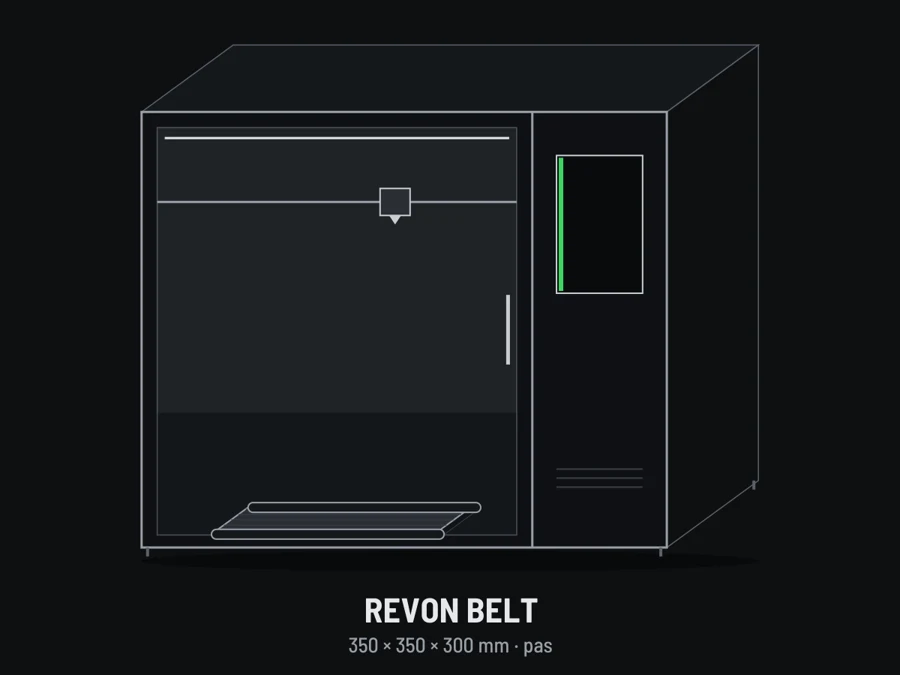
Revon Belt prints on a flat belt that carries the finished part to the front of the machine. In [r]evo Slicer you choose one of four modes at + NEW MISSION or in the Belt row of the Flight plan. The bed view shows how the mode uses the belt: copies fading into the distance, the ∞ sign for Endless, the Eject arrow.
Fixed bed – a normal print
The belt stands still; you print in 350 × 350 × 300 mm like on any printer. Eject: after the print the bed cools for a set time (e.g. 10 min) or down to 35 °C, then the belt turns once and drops the part off the front. At the start you can ask for a series: after each part the bed cools, the part drops and the next one starts.
Sequential – a series of parts
The part prints at the bed centre, then the belt moves it forward by its length plus a gap (50 mm by default), Copies times. Nothing to clear between parts.
Plates – the whole plate, again and again
The whole plate (e.g. 15 parts) prints layer by layer, then the belt carries it forward and the next one starts. Copies = how many plates, ∞ = until stopped.
Long parts – longer than the bed
The part prints in segments joined by a seam:
- Steps – each layer overlaps the previous segment (e.g. 20 mm). The strongest joint for low parts and strips.
- Slope – one sloped face, its angle matched to the toolhead. For taller parts.
- Auto – the slicer decides.
One part can be up to about 43 m long. When a part fits on the bed, the slicer offers Fixed bed with one click.
Endless – until you stop it
For strips and profiles: a first segment, then the same segment repeated up to a set length or until you stop.
On the printer: files, start and print
- The file list (machine screen and Revo Panel) shows each file's mode and quantity, e.g. “SEQUENTIAL · 59 PCS”, with the time per part and for the whole series.
- At the start, for Sequential, Plates and Endless you enter the quantity (Endless: the length in metres, ∞ = until stopped) – no need to slice again.
- While printing the screen shows the mode, how many parts or plates are done of the total (Endless: metres printed), the time per part, the time to the end and when the series will be ready. Change the quantity with − / + / ∞; Finish after piece / plate / segment ends on a complete one.
- The slicer shows the time and filament for one unit; the printer works out the rest.
Good practice
Nylon (PA) without part cooling, dried filament, a clean belt at the start (Revo OS clears it), and a take-up for long strips at the front of the machine.
Needs [r]evo Slicer 1.0.10 and Revo OS 1.4.62 on the Belt line. See also: Revon Belt – belt 3D printer.